40 | DVD MODE
Skipping Ahead or Backwards
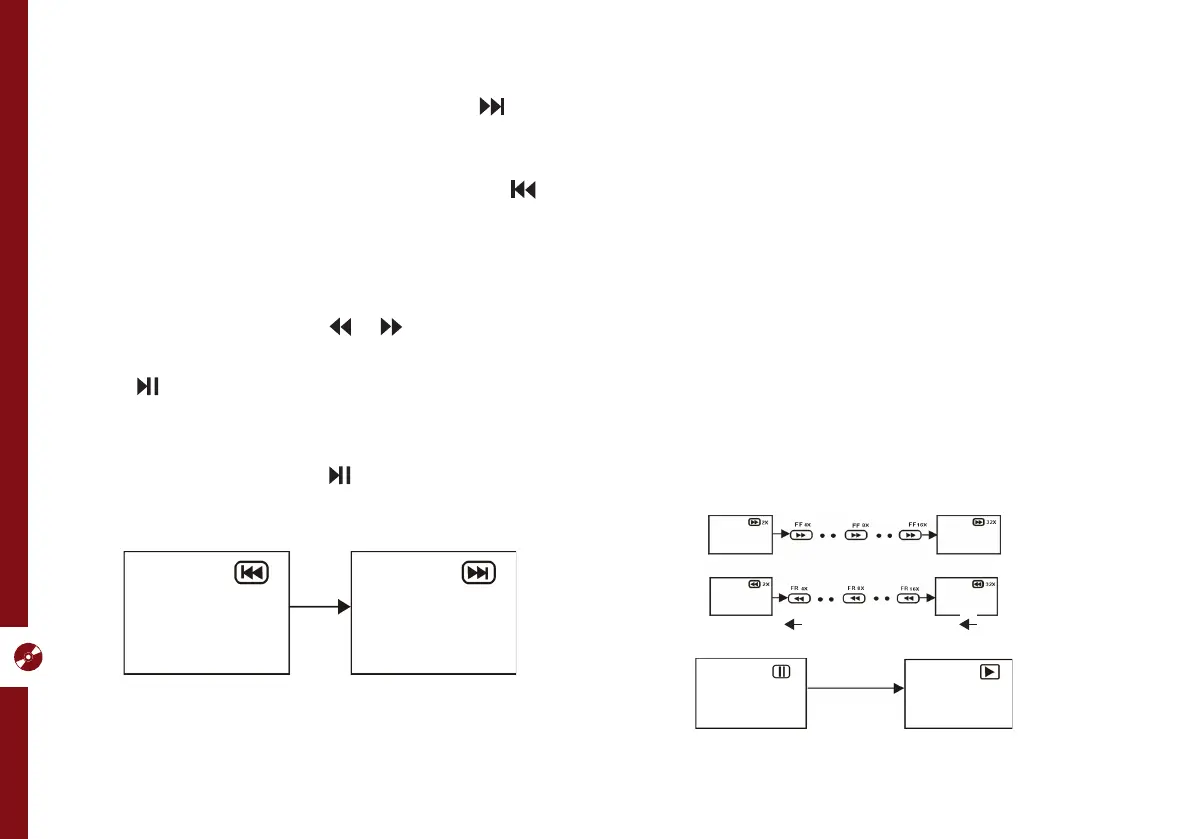
Skipping ahead: Duri ng playback, press the button to
skip the next chapter (DVD) or track
(Video CD/CD).
Skipping backward: During playback, press the
button to skip the previous chapter
(DVD) or track (Video CD/CD).
Fast Forward/Fast Backward
During playback, press the or buttons to fast
backward/forward.
Press button to resume normal play.
Pause/Play
During playback, press the button to pause playback,
press it again to resume normal playback.
Viewing From Different Angles
Some DVDs may contain scenes which have been shot
simultaneously from a number of different angles. For
discs that support multiple angles, press the ANGLE
button to view the same scene from a different angle.
Go To
Press the GOTO button repeatedly to select the item
you want to set and enter a time number, chapter
number, track number, etc., then press OK. Accordingly,
the disc will be played from the selected point.
Display
Press the DISPLAY button to display the playing status
of your disc.



 To Next Page