EasyManua.ls Logo

Linsar 24LED550 - User Manual

Linsar 24LED550
44 pages
Print Icon
To Next Page IconTo Next Page
Loading...
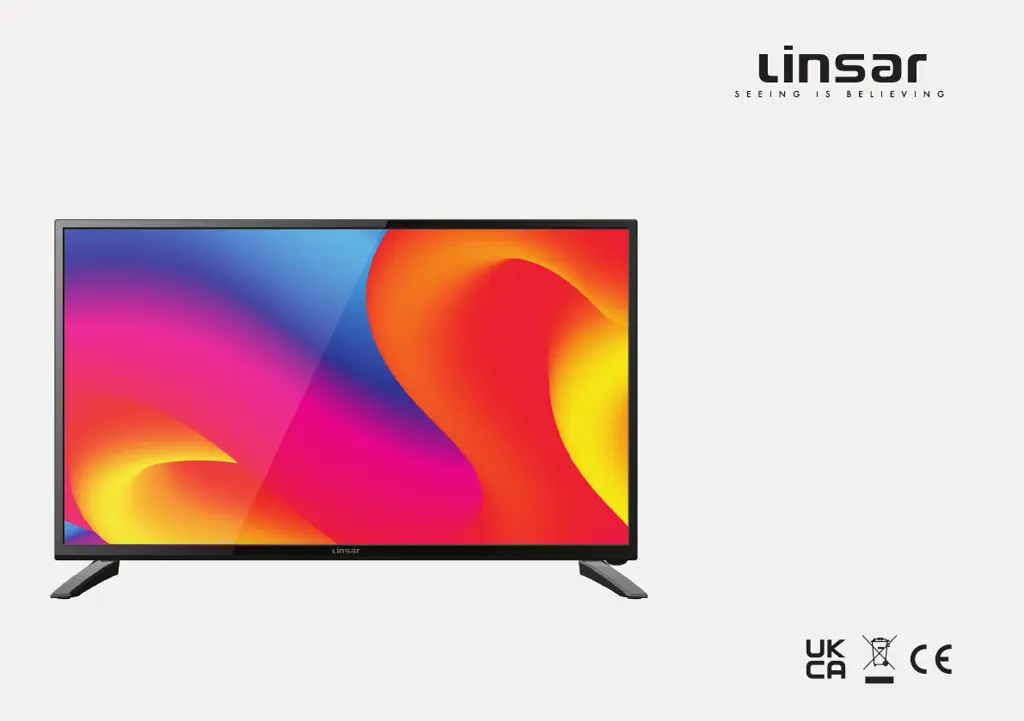
24"
HD TV
MODEL: 24LED550
User Manual

Questions and Answers

Summary

Unpack and Prepare

Whats in the Box

Lists all items included in the TV packaging for user verification.

Important Setup Tips

Key advice for safe and proper initial installation and usage.

Attaching the TV Stand

Step-by-step instructions for securely installing the TV's base stand.

Wall Mounting Instructions

Guidance for safely and correctly mounting the TV onto a wall.

Connecting to Power

Procedures for connecting the TV to an electrical power outlet.

Connecting the Antenna

Steps for connecting an antenna for receiving TV signals.

Controls and Connections

TV Component Overview

Identifies main physical parts and indicators on the TV unit.

Physical TV Buttons

Details the functions of the buttons located directly on the TV.

TV Input;Output Ports

Describes the various connection ports available on the TV.

Remote Control Operations

Remote Control Battery Setup

Instructions for correctly inserting batteries into the remote.

Remote Control Usage Guide

Tips for effective operation, range, and aiming of the remote.

Remote Control Button Functions

Explains the purpose of each button on the remote control.

Advanced Remote Functions

Details additional functions and shortcuts accessible via the remote.

On-Screen Setup Guide

Initial TV Configuration

Walks through the first-time setup menu for user preferences.

TV Settings and Menus

Menu Navigation Explained

How to navigate and interact with the TV's menu system.

Settings Menu Index

An overview of available settings categories and their locations.

Quick Settings Access

Direct access to frequently used TV settings.

Picture Settings

Adjustments for image quality parameters like brightness and contrast.

Sound Settings

Configuration options for audio output, modes, and effects.

Channel Settings

Options for tuning, scanning, and managing TV channels.

Network Settings

Setup and testing for network connectivity.

Time and Timer Settings

Manages system time, timers, and automatic standby functions.

System Configuration

Global settings for country, language, and system features.

Security and Lock Settings

Options for parental controls, channel locks, and key locks.

Hotel Mode Features

Specific settings for hotel or retail demonstration use.

HDMI CEC Control

Enables control of connected HDMI devices via the TV remote.

About TV Information

Displays system details and software update options.

Recording and Media Playback

Recording Data Safety

Important tips for backing up data before recording.

Live TV Recording Guide

Instructions for instant and scheduled program recordings.

Time-Shift TV Function

How to pause, resume, and stop live TV broadcasts.

USB Media Setup

Steps to connect and activate USB mode for media playback.

Media Playback Controls

Functions for navigating and playing photo, music, and video files.

Video File Playback

Specific operations for playing video content from USB.

Troubleshooting Common Issues

Remote Control Malfunctions

Solutions for when the TV remote control is not working.

TV Power-On Failures

Steps to resolve issues where the TV does not turn on.

DTV Picture;Sound Problems

Fixes for no or distorted picture/sound in DTV mode.

External Device Connectivity Issues

Troubleshooting for problems with external device picture or sound.

Audio Delay and Distortion

Solutions for issues related to sound synchronization or quality.

USB Device Recognition Errors

Resolving problems with USB storage devices or media file playback.

Product Specifications

Environmental Compliance

Packaging Disposal Guidelines

Recommendations for recycling and disposing of product packaging.

Product End-of-Life Disposal

Instructions for environmentally responsible disposal of the TV.

Battery Disposal Guidance

Advice on the proper and safe disposal of used batteries.

Declaration of Conformity

Linsar 24LED550 Specifications

General IconGeneral
Screen Size24 inches
Resolution1366 x 768
Display TypeLED
HDMI Ports2
USB Ports1
Contrast Ratio1000:1
Brightness250 cd/m²
Audio Output2 x 5W
Aspect Ratio16:9
TunerDVB-T/T2
HD Compatibility720p

Related product manuals