ON-SCREEN SET UP | 15
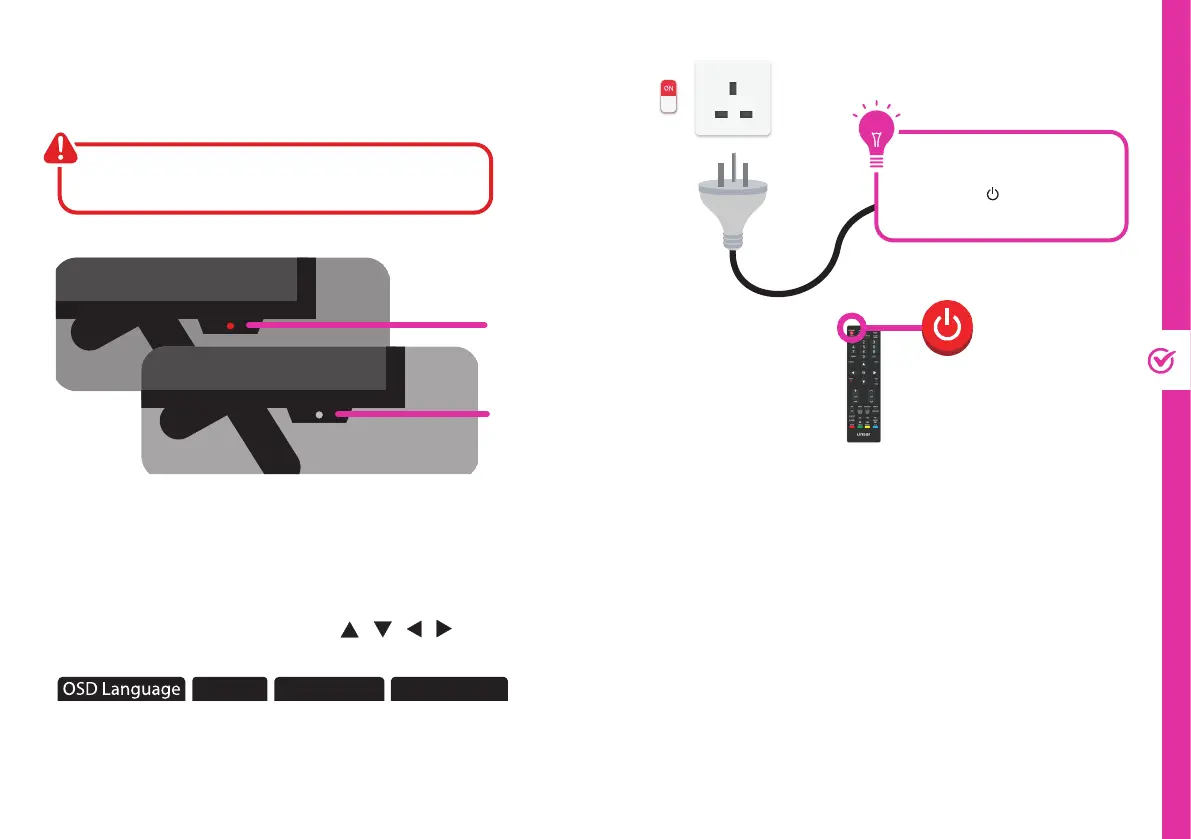
Make sure the TV is plugged in at
the power socket and switched
on. Press the (STANDBY)
button to turn on the TV.
First Time Setup menu
When you turn the TV on for the first time, the First
Time Setup menu will appear.
Follow the prompts using the / / / / OK buttons
to select your preferences. You will be able to adjust:
Country Home Mode Input Source
If you make an error, you can update your preferences
in the settings menu later.
On-Screen Set Up
Make sure equipment is properly connected before
connecting the TV to power.
On/Standby light is
RED in standby mode.
On/Standby light is OFF
when the TV is on.



 To Next Page