TV SETTING MENUS | 25
Gamma
Adjust the mid level brightness of the picture.
Colour Temperature
Adjust the on-screen colour temperature.
In user mode, you can individually adjust white balance by
changing R/G/B gain settings.
HDR
Turn HDR On/Off. Set it On to experience the best picture
quality.
Advanced Video Settings
See the table for more information.
Reset to Default
Reset all Picture settings to factory defaults.
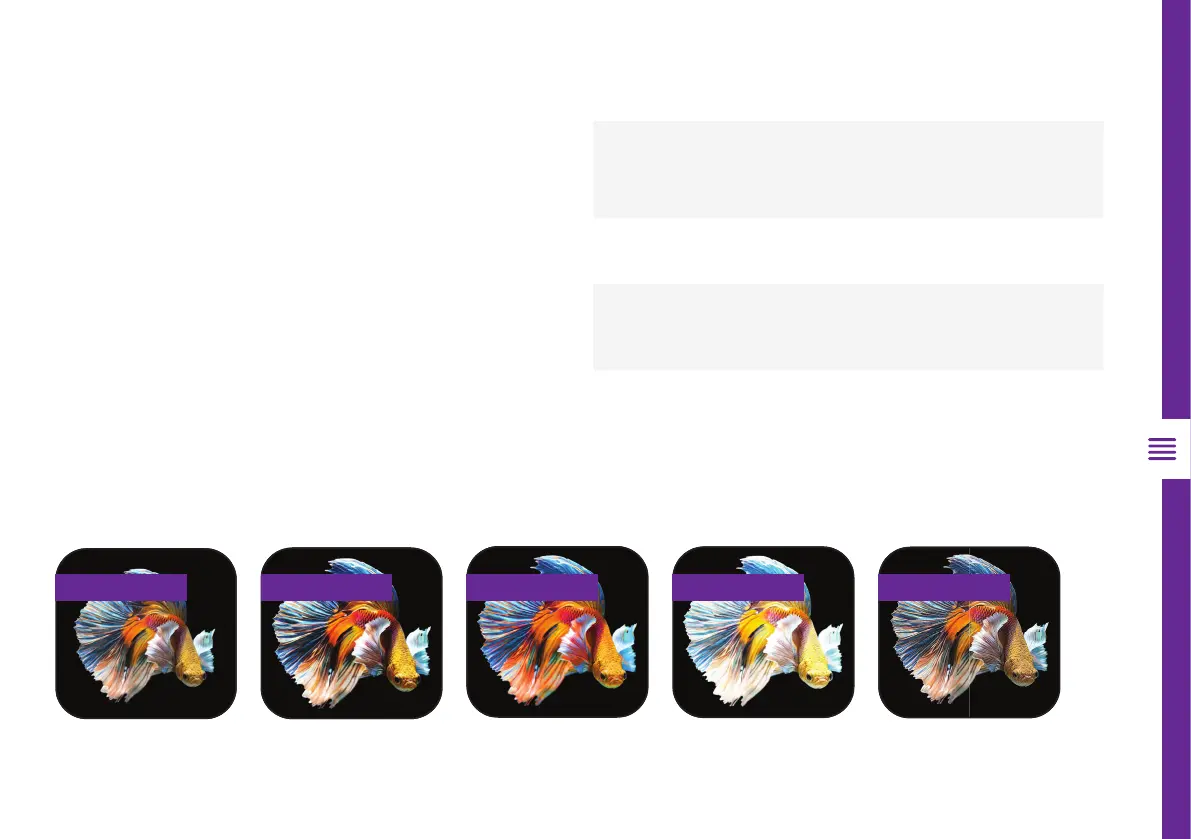
Original Contrast Saturation Brightness Sharpness
Option Description
DNR (Digital
Noise
Reduction)
Reduce screen noise to make the
image clean.
MPEG NR
Reduces the noise produced during the
creation of digital video signals.
Adaptive
Luma Control
Automatically adjusts the brightness
and contrast after analyzing the input
signal.
Game Mode
Enhances your gaming experience by
reducing game controller delay.
Advanced Video Settings



 To Next Page