Version 7.0
12
Installing Teamviewer
LiveU Support will use the TeamViewer remote desktop tool for complete access when required and when initiated
by the customer. This will also allow for remote upgrades of the LU2000 as well as diagnosis and debug when
necessary.
The necessary ports for Teamviewer to run on the server are the following:
PROTOCOL PORT DESTINATION / SOURCE
Outbound TCP 80 Anywhere
Outbound TCP 443 Anywhere
Outbound TCP 5938 Anywhere
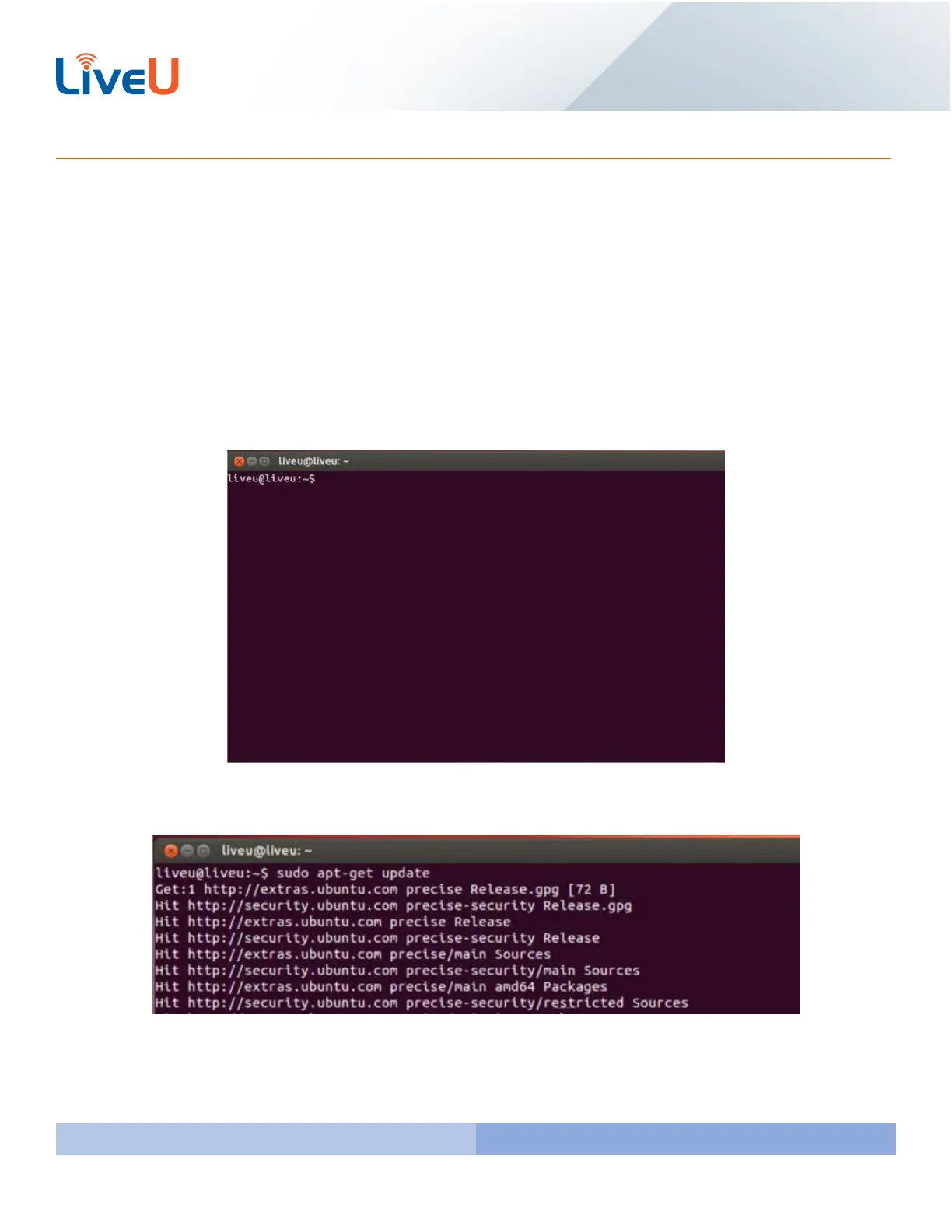
To install Teamviewer first you will need to bring up the terminal which is done by pressing CTRL + ALT + T.
Please type and run the following command “sudo apt-get update” which installs newer versions of the packages you
already have.



 To Next Page