Version 7.0
8
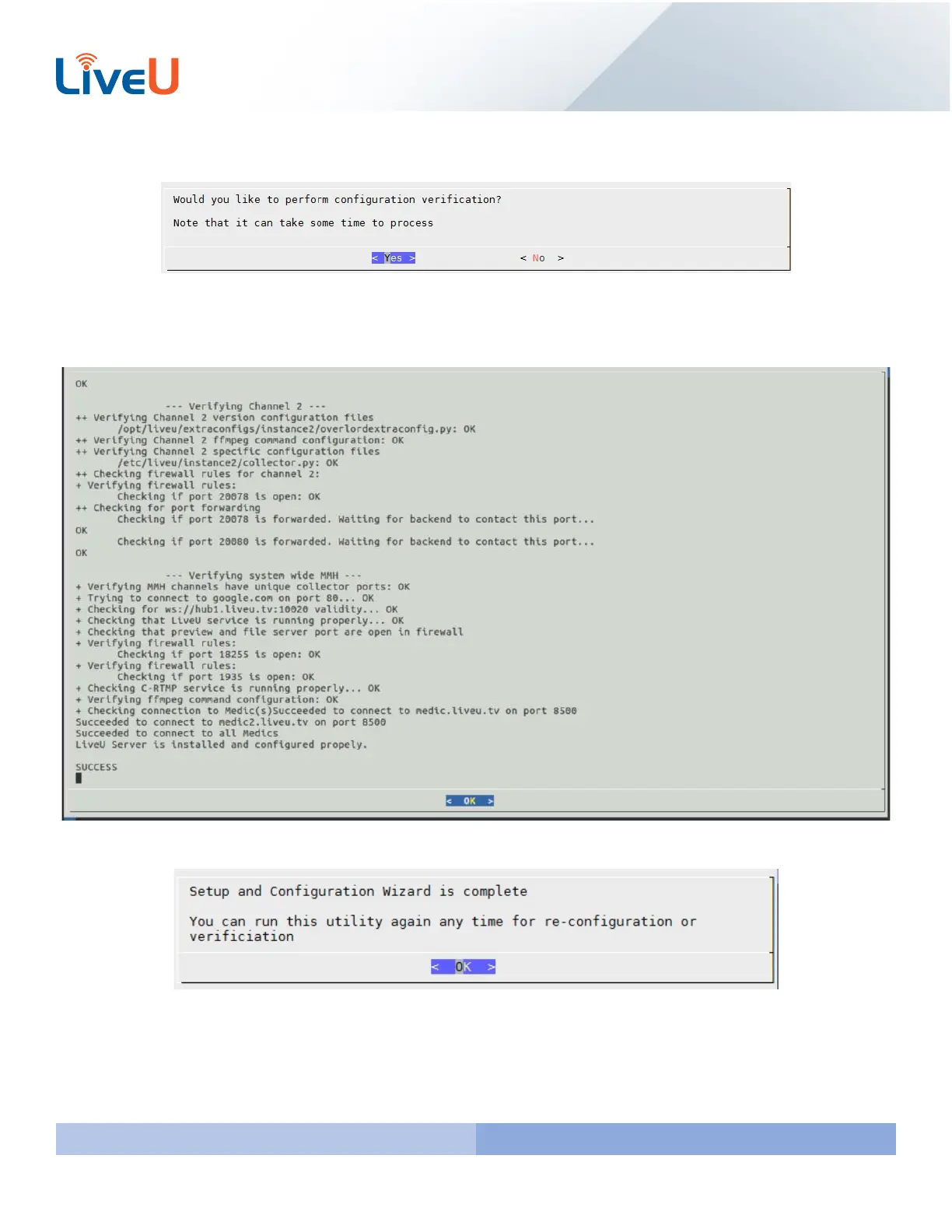
The last step is to perform the verification setup. This is “Step 5 Verify Setup” in our configuration folder on servers
running software 6.5.0 or below. Press “Enter” while hovering over “Yes”
This will check if the server can reach google, our hubs, LUC, check the S&F port, Preview Port, Medic, and lastly the UDP
ports for each instance setup in the chart earlier. You should see a “SUCCESS” at the bottom and get an “All tests
passed” message.
You will then receive a wizard complete message. To finish the installation press “Enter” on your keyboard.
The basic configuration for the server is complete. If you made a mistake or want to configure a few additional settings
please see the next page for the “Advanced Configuration” Setup.



 To Next Page