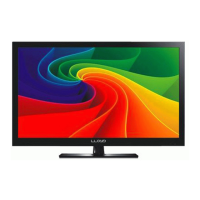
button to select the function item, press button to enter,
or press / button to adjust/select.
Power on/off
1. Connect to the power supply with the adaptor.
2. -To turn on the TV
Press POWER button on the TV or remote control.
-To turn off the TV
Press POWER button on the TV or remote controlx
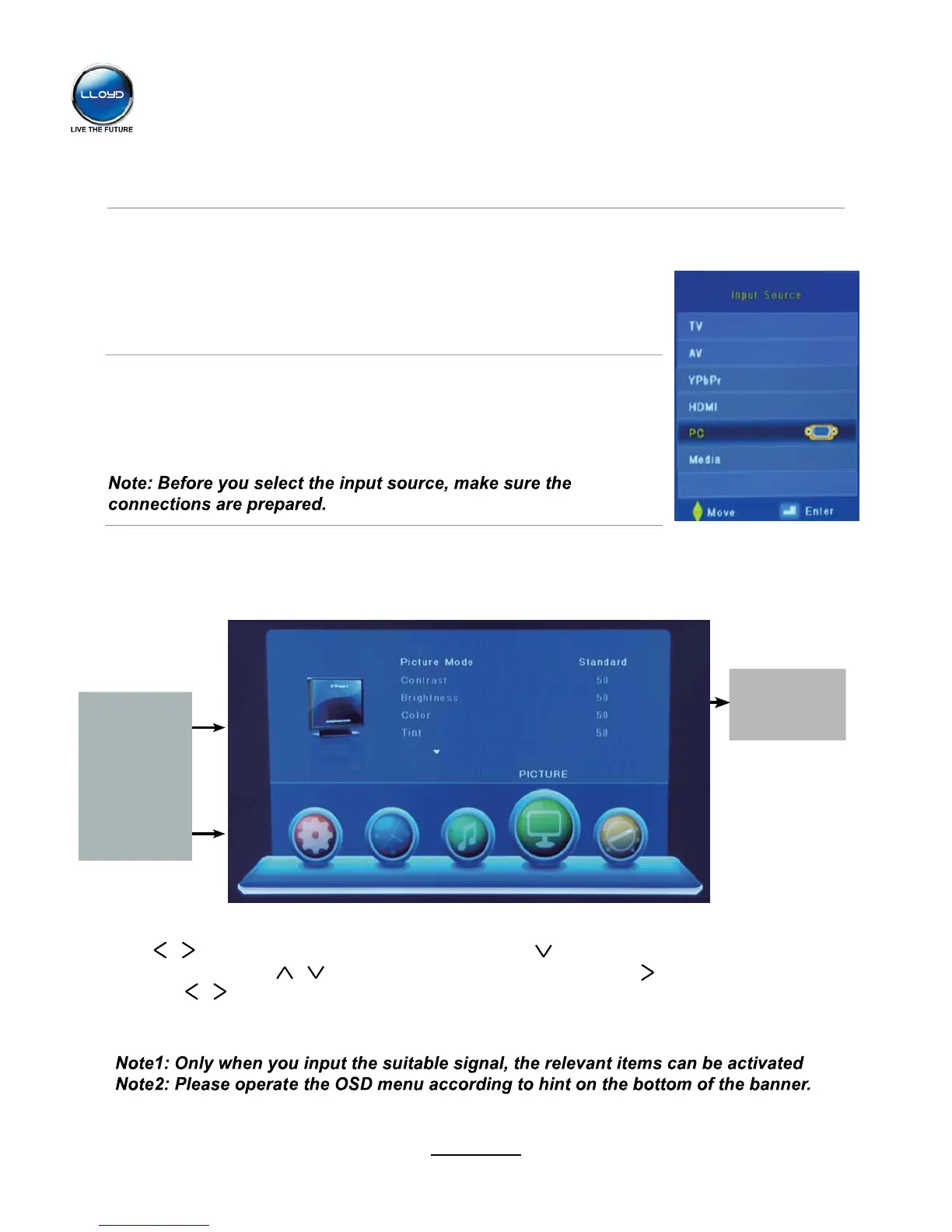
the input source menu, and use CH+/-button on the TV set or /v
button on remote control to select the input source, press OK button
on the remote control to enter.
Basic OSD Menu operation
Press
Use /
button to select the main menu, and press button to enter the submenu.
In the submenu, use /
* (Press MENU button to return to the upper menu.)
* (Press EXIT button to exit the menu display.)
Submenu
(PICTURE MENU
for example)
Main menu
CHANNEL
PICTURE
SOUND
TIME
OPTION
SCREEN
INPUT button on the TV set or on the remote control to display
Input Source select
MENU button to display the OSD menu as below:
v
8
Basic Operation


 To Next Page