OSD Menu
11
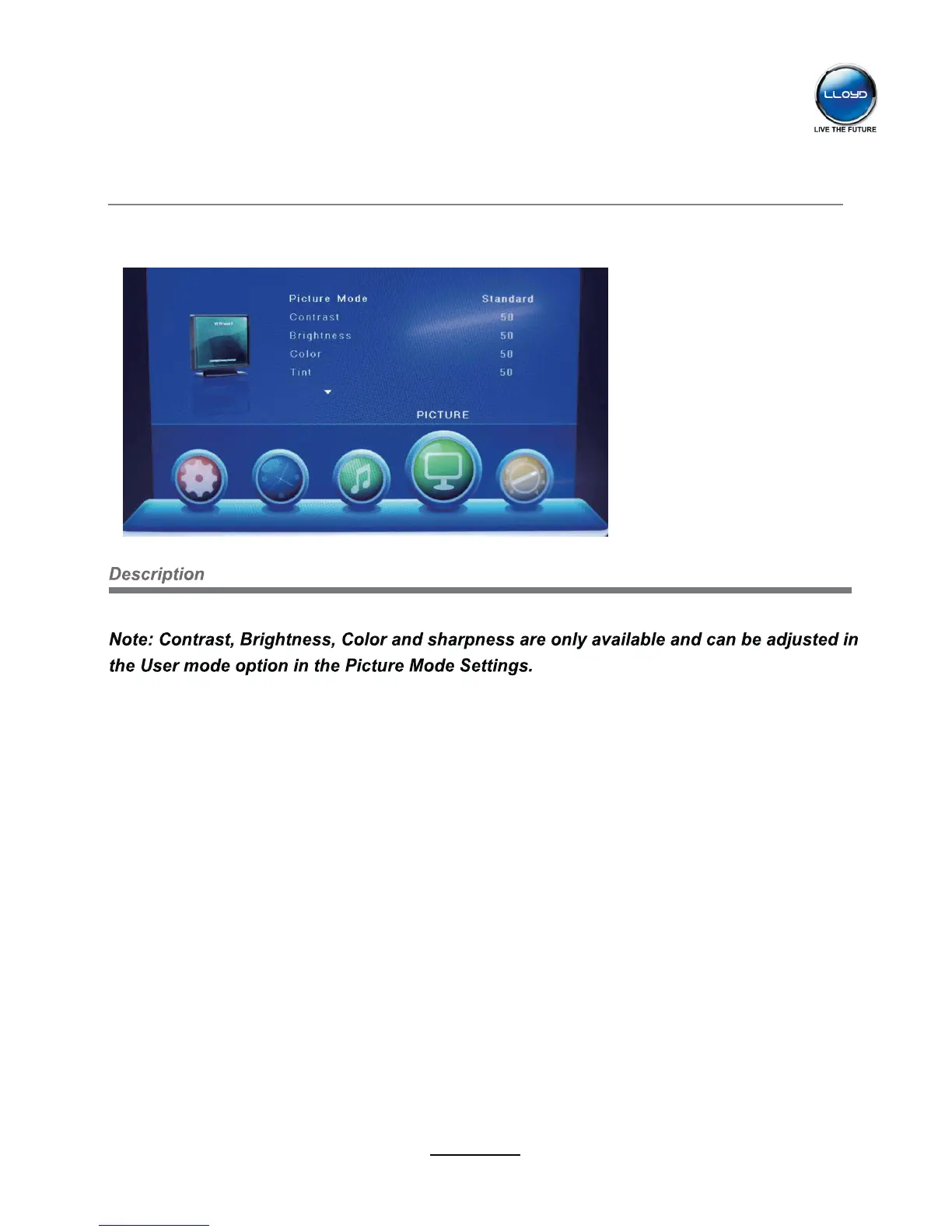
2. PICTURE menu
Picture Mode: Choose from Standard, Dynamic, User and Mild.
Contrast: Controls the difference between the brightest and darkest regions of the picture.
Brightness: Controls the overall brightness of the picture.
Color: Control the color.
Sharpness: Increase this setting to see crisp edges in the picture; decrease it for soft edges.
Tint: Controls the tint ( NTSC mode only).
Color Temperature: Choose from Medium, Cool and Warm.
Noise Reduction: Choose interference noise modes form Off, Low, Middle and High.


 To Next Page