NOTES
NOTES
1
Contents
2
Getting Started
Making Connections .............................................................................
Shortcuts Instructions ...........................................................................
To Use the Menu ..................................................................................
Using the Channel Menu ......................................................................
Using the Picture Menu ........................................................................
Using the Screen Menu ........................................................................
Using the Option Menu ........................................................................
Using the Lock Menu ... .......................................................................
Using the Sound Menu ........................................................................
PC Setting ...........................................................................................
Brief function introduction ....................................................................
Digital multimedia Player .....................................................................
Enjoy video files...................................................................................
Enjoy mp3 audio files ..........................................................................
Browse the JPEG pictures...................................................................
Browse the text files of TXT format .....................................................
Trouble Shooting .................................................................................
Usb Multimedia Playback Format........................................................
2
6
8
8
9
10
10
11
12
12
12
13
13
15
15
16
17
18
Getting Started
Basic Features
Other information
TV JACK
ANT 75
Making Connections
Check the jacks for position and type before making any connections. Loose connections can
result in image or color problems. Make sure that all connections are tight and secure.
Not all A/V devices have the ability to connect to a TV, please refer to the user manual of your A/V
device for compatibility and connections procedure.
Always unplug the power cord when connecting external equipment.
It is recommended that coaxial cable (75Ω ) be used to eliminate the interference caused by the
mismatched impedance.
The antenna cable should not be bound together with the power cord.
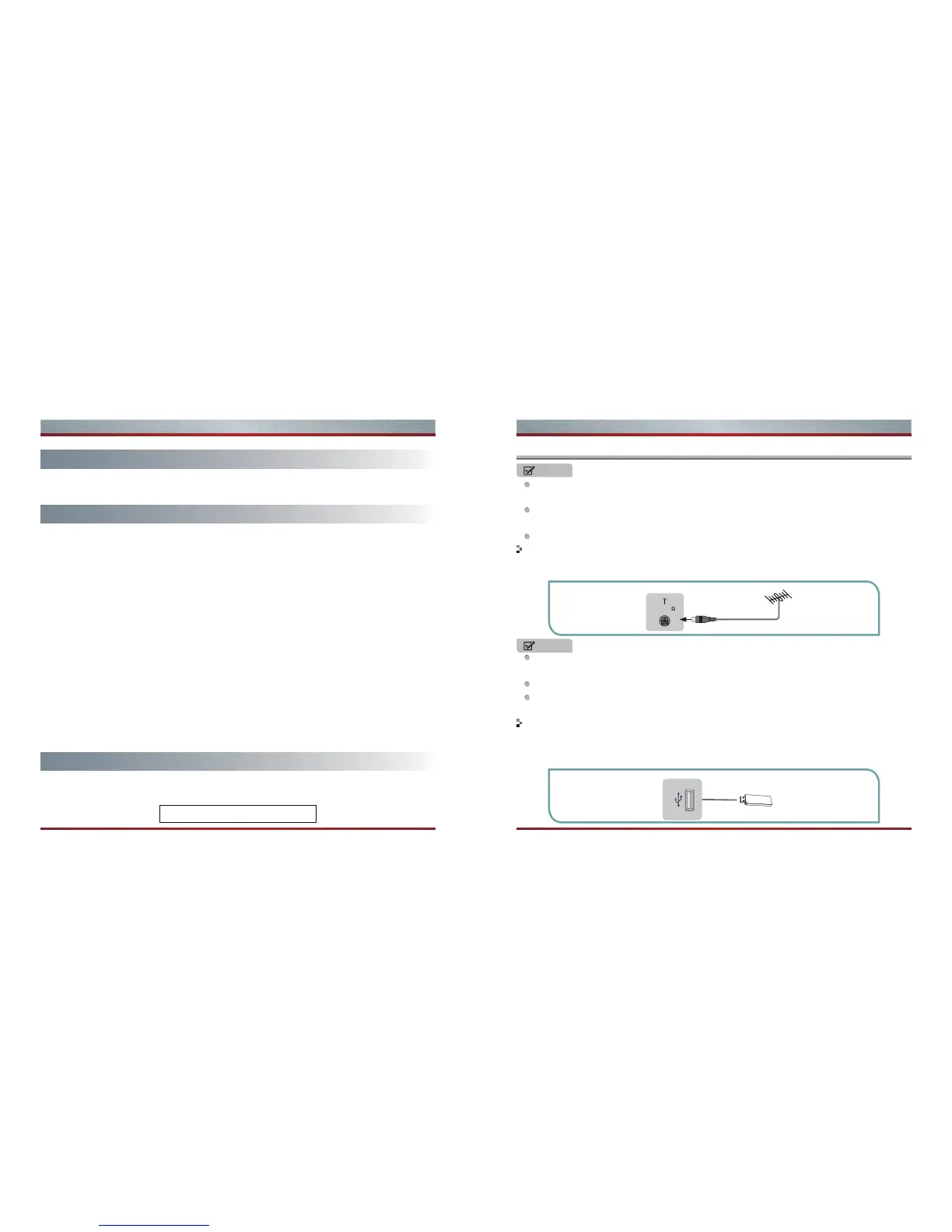
When using the cable TV, please insert the plug of the coaxial cable (75 Ω) directly into the antenna
outlet.
1. To have an optimal picture quality, it is strongly recommended to have an external antenna or a
cable TV.
1. This unit has standard USB interface and can be connected to the standard USB1.1 and USB2.0 disks.
2. You can either use the USB connection cord or directly insert the USB into the USB port at the side of
the TV.
Connect to devices with USB interface
Connect to broadcast antenna or the cable TV
TV JACK
USB
Illustrations are for your reference only!



 To Next Page