NOTE: The Obstruction Sensitivity /Stall Force is adjustable in 9 levels.
Pull Gate 2 to its fully open position. Use a cross point screwdriver to unscrew Limit Switch C and slide it
to the desired position. Then fix the Limit Switch C.
Pull Gate 2 to its fully closed position. Use a cross point screwdriver to unscrew Limit Switch D and slide
it to the desired position. Then fix the Limit Switch D.
Limit setting for Gate 2 is finished.
NOTE: Always place the magnetic ring between the Limit Switch C and D.
Usually the Limit Switch A and C near the motor are well adjusted. The user adjusts Limit Switch B and D
as necessarily. The adjustment meets most users’ requirement on the stroke during gate opening/closing.
Shut OFF the power source first if the user needs to adjust the Limit Switch A and C. Turn ON the power
after the adjustment. Allow the moving rod to automatically extend out, making sure the magnetic ring in
the moving rod is always between both Limit Switches.
NOTE: The magnetic ring in the moving rod can be manually placed between both Limit Switches in
each actuator. See Page 22 Emergency Release.
How to Operate
The user may operate the opener once all adjustment setting is finished.
With the gate at its closed position, press and release the remote control, the gate will move to the
programmed opening position and stop.
With the gate at its opened position, press and release the remote control, the gate will move to the
programmed closing position and stop.
While the gate is moving, press and release the remote control, the gate will stop moving immediately.
The next command from the remote will reverse the gate direction and the gate will stop at its
programmed opening/closing position.
The gate will stop in case of obstruction during opening. The command from the remote control will
reverse the gate direction and the gate will stop at its programmed closing position.
The gate will reverse in case of obstruction or stall force during closing, and it will move to the
programmed opening position.
Emergency Release
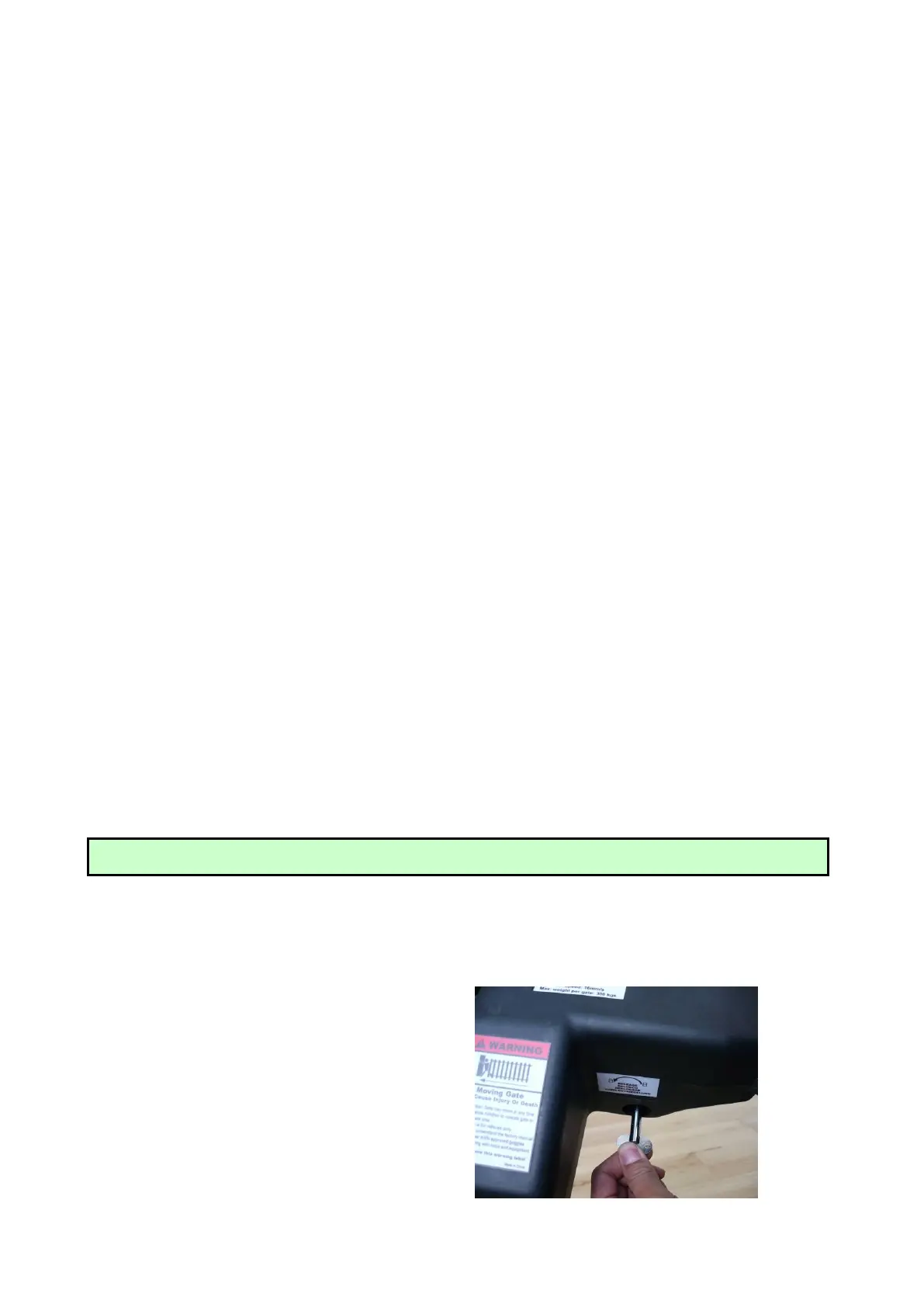
In case of the system failure or power cut-off, the
gate can be manually opened.
Insert the triangular key inside the triangular plug
located on the bottom of actuator body, and then
turn counter-clockwise till the stop. Motors shall
be unlocked. The inverse operation restores the
gate automation.



 To Next Page