Airplay(Configuration(!
Lode servers have an Airplay per-zone capability. To set-up Airplay as a selectable source,
please access the “Media Library” section of the web console and enable Airplay.
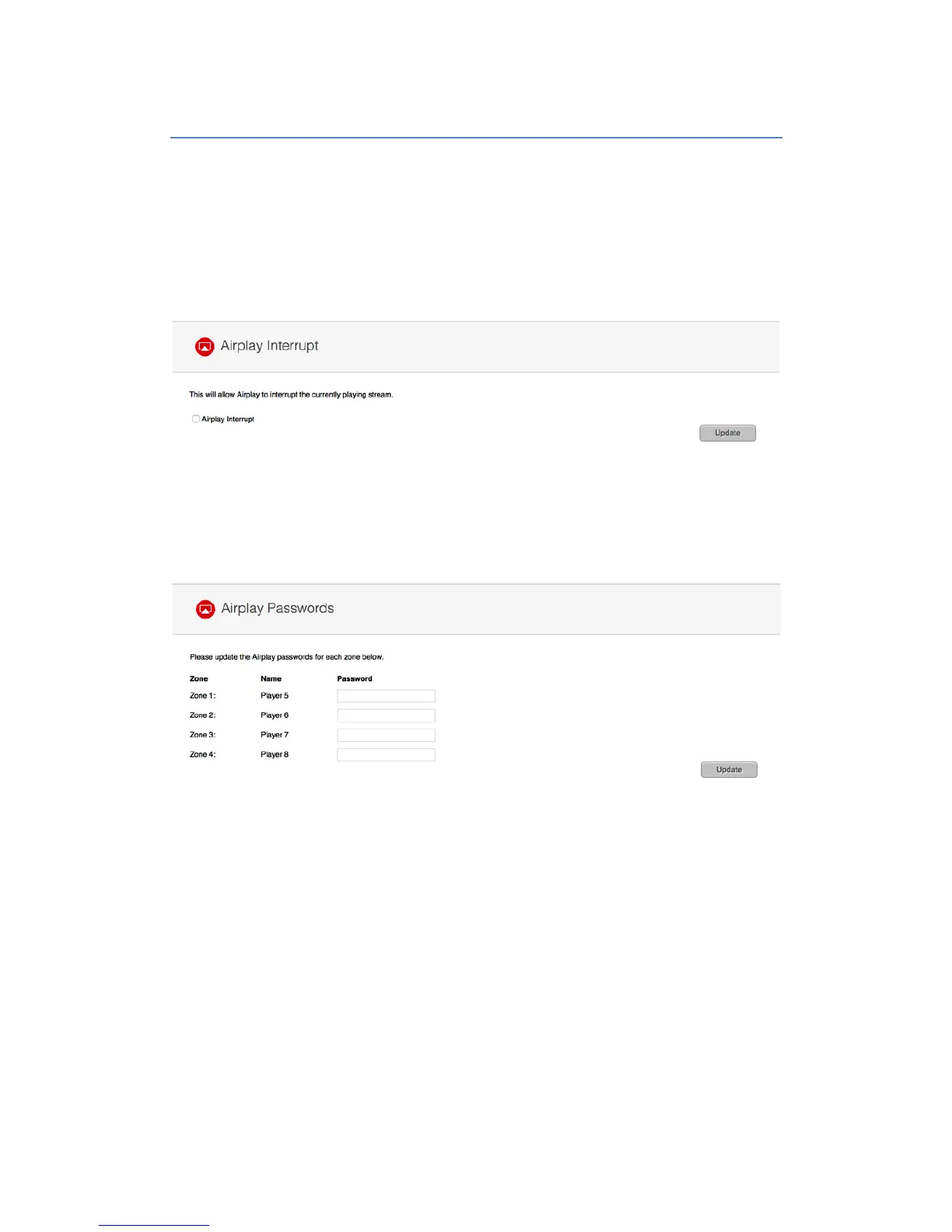
If you want to have the ability for customers to play Airplay to any room at anytime, please
select the option for “Airplay interrupt” in the “Advanced Settings” section of the web console.
Please note that this option will enable any existing stream to be interrupted by another user.
An Airplay password can also be set for each player in the same section of the web console
by typing a password in each listed player section. Once the password is set, any user would
be prompted for this password via the iOS device before being allowed to play.


 To Next Page