EasyManua.ls Logo

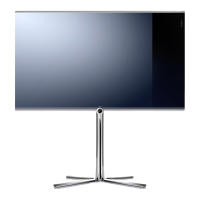
Loewe Contur 2063 - Control Panel on the TV Set

Loewe Contur 2063
30 pages
Print Icon
To Next Page IconTo Next Page
To Previous Page IconTo Previous Page
Loading...
4
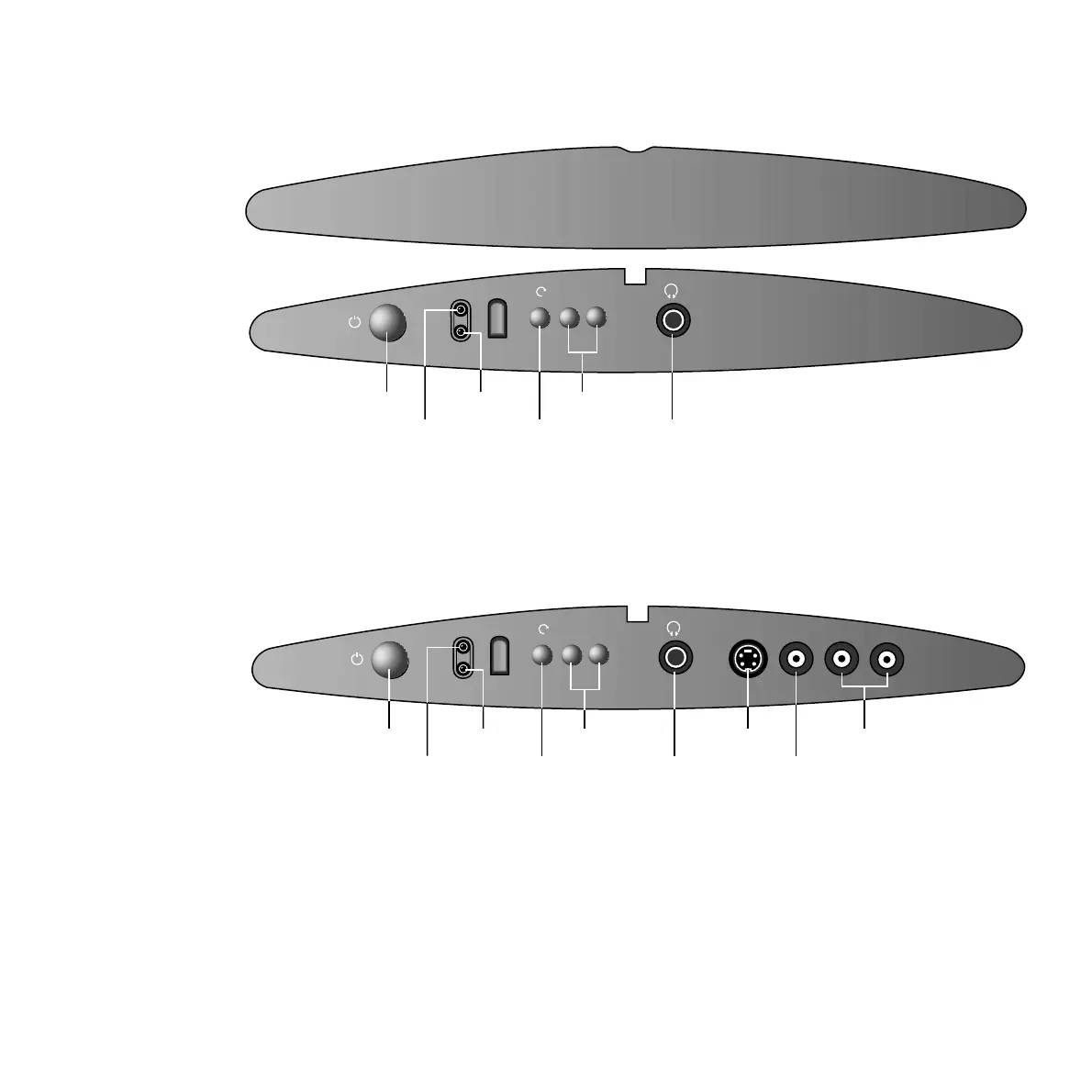
Operating Panels
To switch on/off:
If the TV is switched on with the On/Off button, the green operating indicator is lit.
If the TV is switched to standby using the remote control, the red indicator is lit.
If no indicator is lit, then the TV set is disconnected from the mains power supply.
Contur 2063
Contur 2070
Profil 3463
Profil 3470
Profil 3472
+
—
On/Off button
Operating indicator
Standby indicator
To display menu
Channel up/down
In a menu: adjust
Headphones socket
➜
Open control panel
+
—
LR
AVS
V IN
AUDIO
On/Off button
Operating indicator
Standby indicator
To display menu
Channel up/down
In a menu: adjust
Headphones socket
S-Video input
Video input
Audio input
➜