7
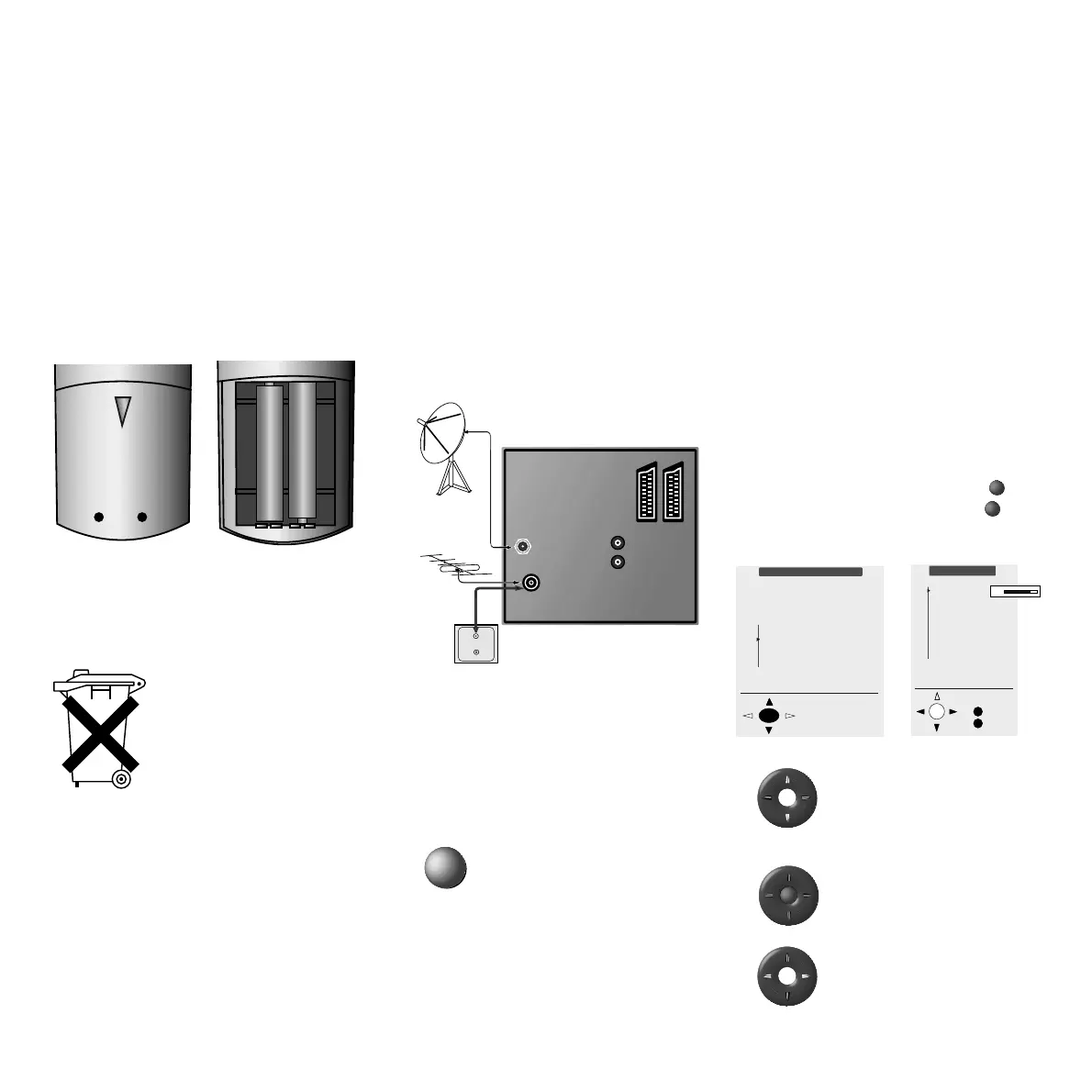
Use the up / down arrows
imprinted on the ring of the
remote control to select a line /
term in the menu
confirm the selection with OK,
this will save a setting or
take you to the next menu.
Make a selection using the
right/left arrows, or change the
settings.
+
+
➝
OK
First installation
Sprache D
Language GB
Lingua I
Select and
proceed with OK
Which language do
you want to use for
operation?
Taal NL
Picture menu
Contrast
Colour
Brightness
Sharpness
Picture format
Photo CD
M
E
Back
End
50
Section of rear of TV
AV2/RGBAV1
AUDIO OUT
VHF/UHF
R
L
SAT
Switching on for the first time
Batteries – Remote
Control
To insert or replace the batteries, press where
an arrow is imprinted. Slide the battery
compartment cover downwards and remove it.
Insert Alkaline Manganese LR 03 (AAA)
batteries and make sure + and – poles are
located in the correct positions.
Then slide on the cover again.
Notes on battery disposal:
The original batteries do not
contain any pollutants such as
cadmium, lead and mercury.
Used batteries do not belong in
the domestic waste. They must
be taken to the appropriate
collection points according to
the national laws. Ask your
dealer.
Connecting
Power supply
Connect the TV set to a 230V/50-60 hertz
socket.
Aerials
Connect your aerial or cable system to the VHF/
UHF aerial socket.
If the set is equipped with a satellite turner,
connect the Sat aerials to the “SAT A/D”
socket.
Switching on
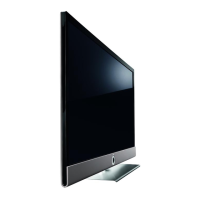
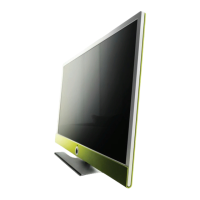
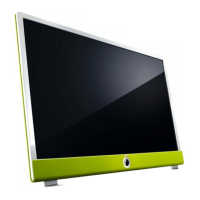
Except on the Xelos the On/Off key is behind
the operating panel cover. Open the flap of the
operating panel.
Press the On/Off button so that
it clicks into position and the
green operating indicator lights
up.
Switching on for the first
time
The TV’s automatic programming is prepared
the first time you switch on the appliance,
“Switching on for the first time”.
Selecting and adjusting using the remote
control and the on-screen menus:
The line / function selected from the menu is
displayed in blue.
The buttons for the relevant operation are
depicted symbolically in the lower part of a
menu. Possible directions for making selections
are represented by solid black arrow head(s).
Additional button symbols are displayed for
other operating options in a menu. Use
M
to
take you back to the previous menu or
E
to
remove the menu.
For example:
OK



 To Next Page