27
Scanning
Scanning may be used to monitor channel transmissions and to find someone in the group who has accidentally changed
channels.
• Press twice on the key until the is displayed on the screen and a or flashes.
• Press the key or the key until is displayed to start the scan.
• Press the key or the key until is displayed to end the scan.
• Press the PTT key to confirm.
When the radio detects activity on a channel, it stops scanning and the user can listen to the
transmission. To respond, press the PTT key in the following five seconds.
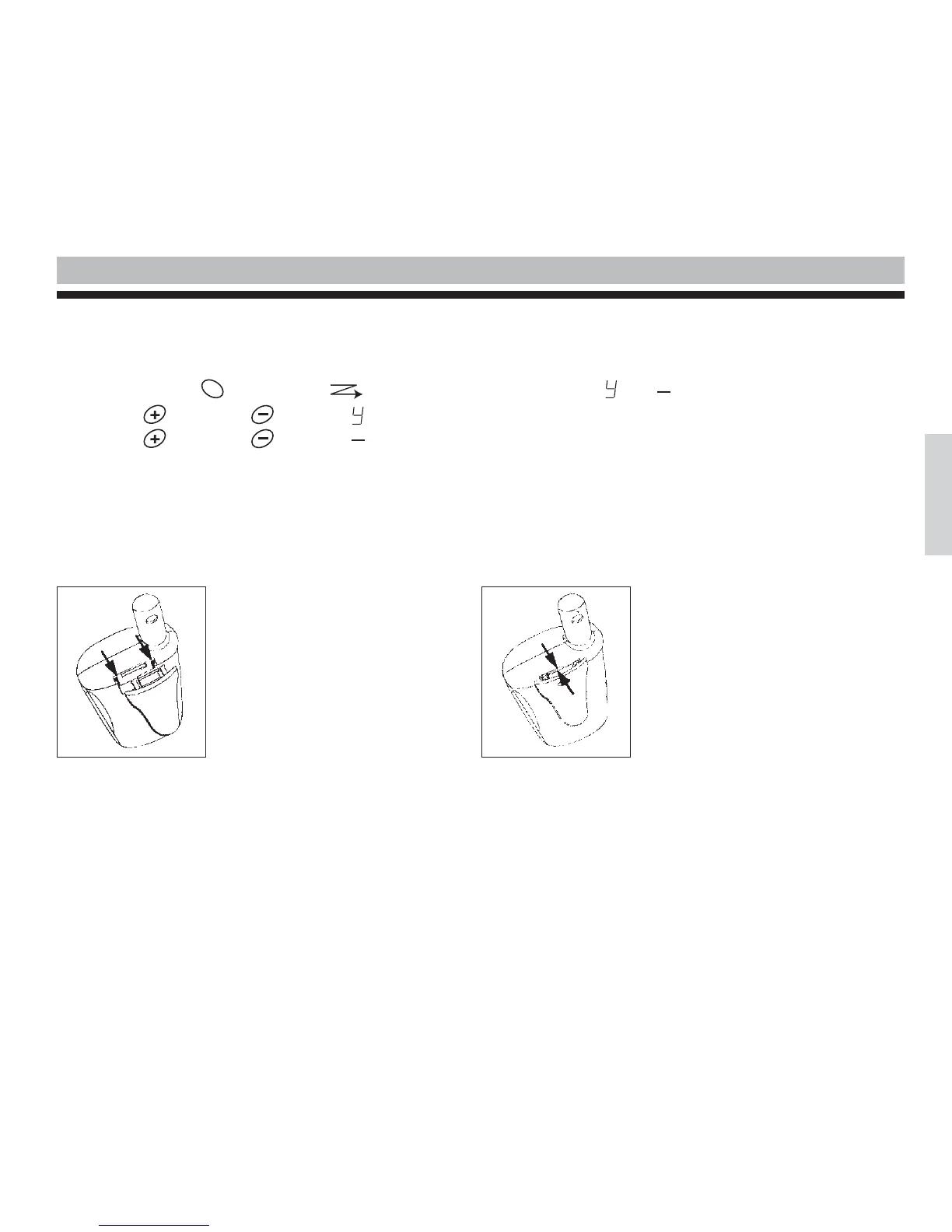
Attaching Belt Clips
MENU
English
Place the belt clip in the slot on
top of the radio and slide it down-
wards until it’s in place. To remo-
ve a clip, pull the release latch and
slide the clip upwards.



 To Next Page