28
Front Cover
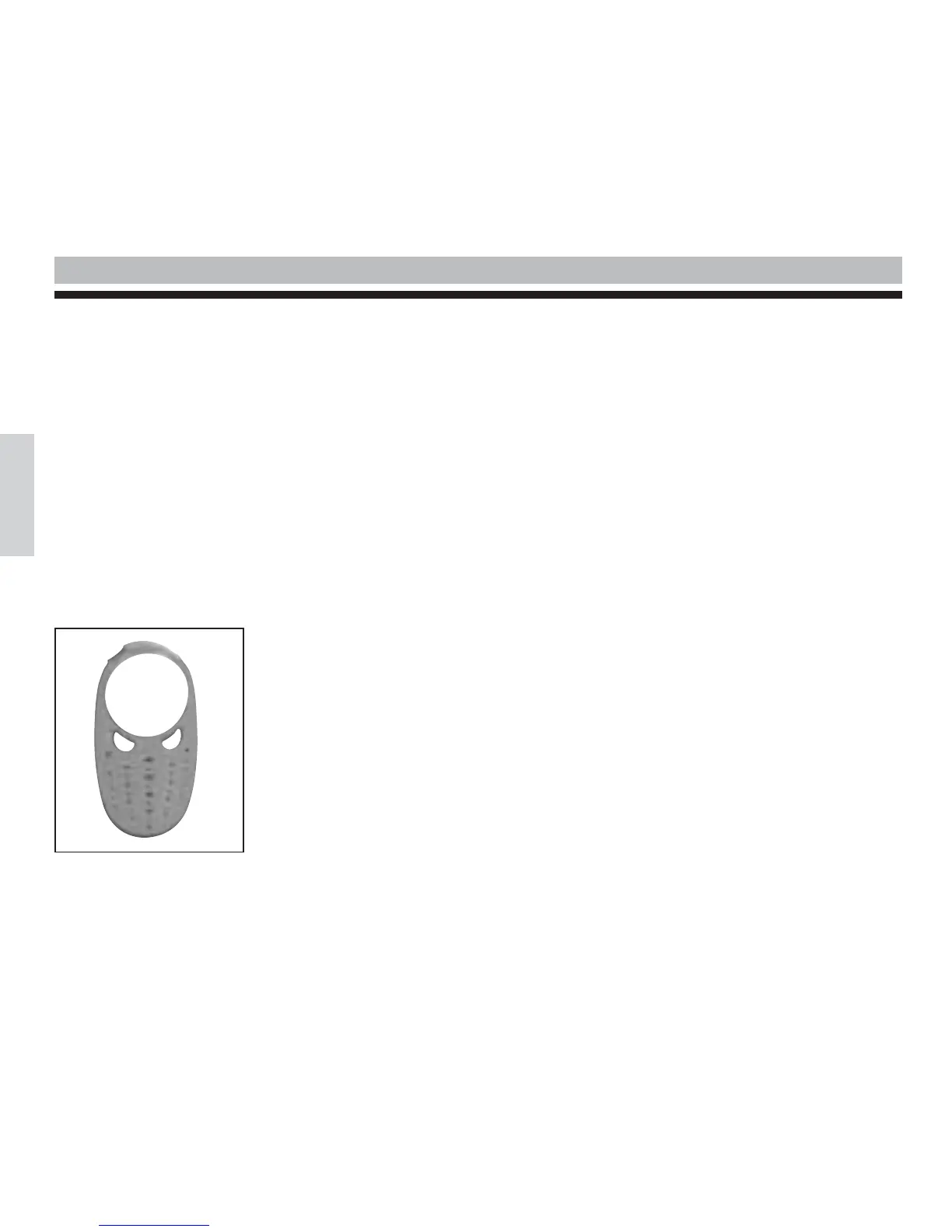
The 2 way radio is equipped with a removable front cover allowing you to customise the 2 way radio.
Note :
Do not use the 2 way radio without its front cover.
To remove the cover
• Move the upper part of the front cover and the rear cover apart by pressing forwards.
• Gently remove the front cover, starting with the upper part, then the lower part to release the front cover tabs of the 2 way
radio.
To attach the cover
• Reinsert the front cover tabs into the casing.
• Then press to interlock the front cover.
English
Front cover of the FX 100 / 200



 To Next Page