IV
LOGITECH HARMONY ONE+ USER MANUAL
Adding and changing devices ............................................13
Adding a passthrough device to an activity ...............................14
Changing buttons for a device or activity .................................15
Teaching commands using your old remote ..............................15
Setting up favorite channels ...........................................16
Troubleshooting problems with your Harmony One+ ........................17
Getting help with your Harmony One+ ....................................18
Using the on-remote help .............................................18
Glossary ...............................................................19
Product Specication ...................................................21



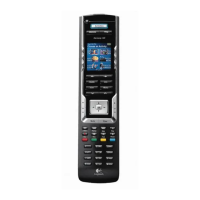
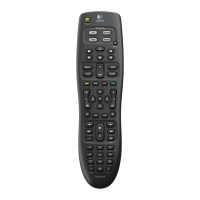
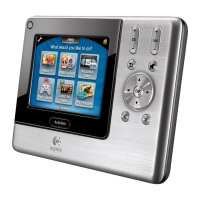

 To Next Page