Learn more about your product
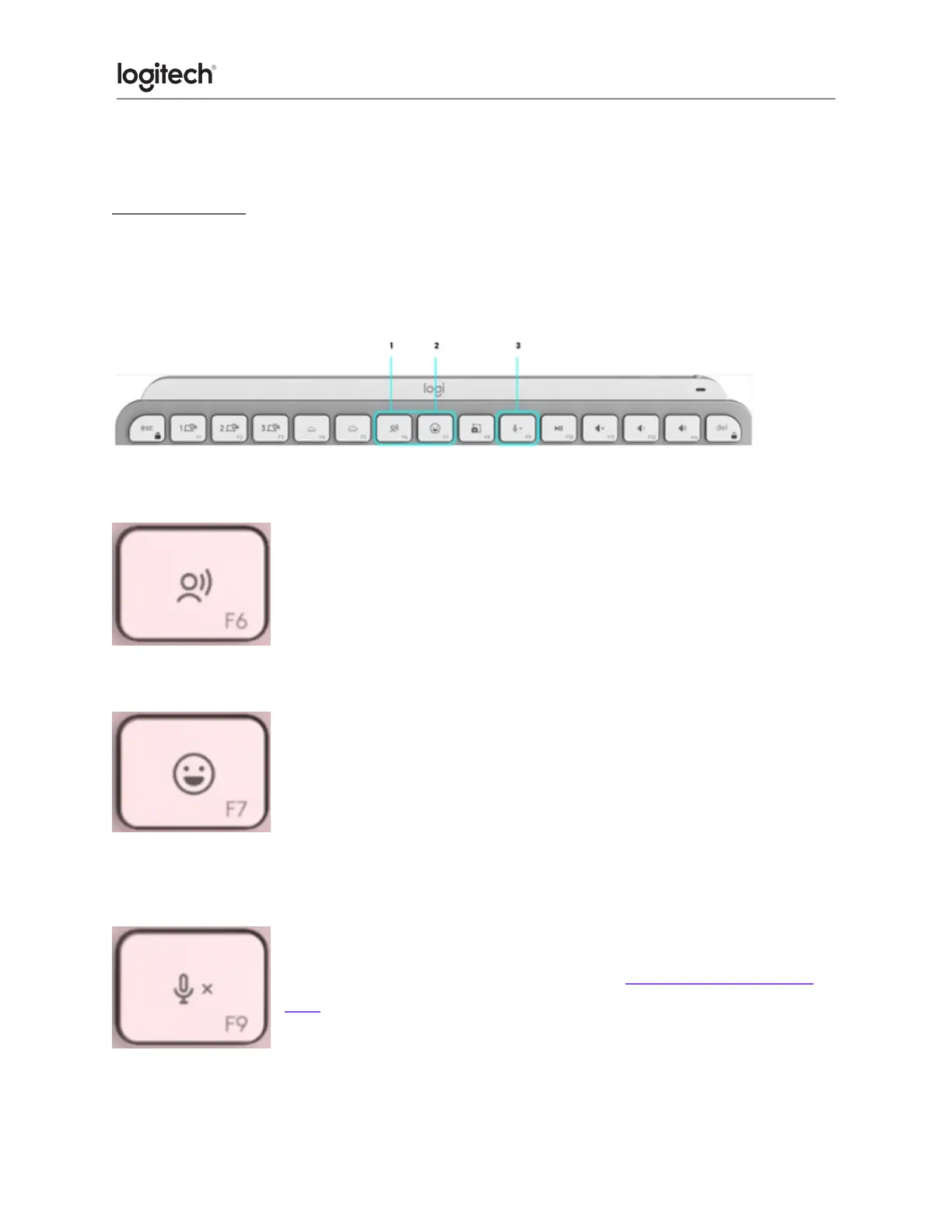
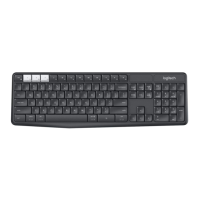
New F-row keys
1. Dictation
2. Emoji
3. Mute/unmute microphone
Dictation
The dictation key lets you convert speech-to-text in active text fields
(notes, email, and so on). Simply press and start speaking.
Emoji
You can quickly access emojis by pressing the emoji key.
Mute/unmute microphone
You can mute and unmute your microphone with a simple press during
video conferencing calls. To enable the key, download Logi Options+
here.









 To Next Page