Download Logitech Options+ to use all the possibilities this keyboard has to offer. To
download and learn more, go to logitech.com/options+.
Pair to a second computer with EASY-SWITCH
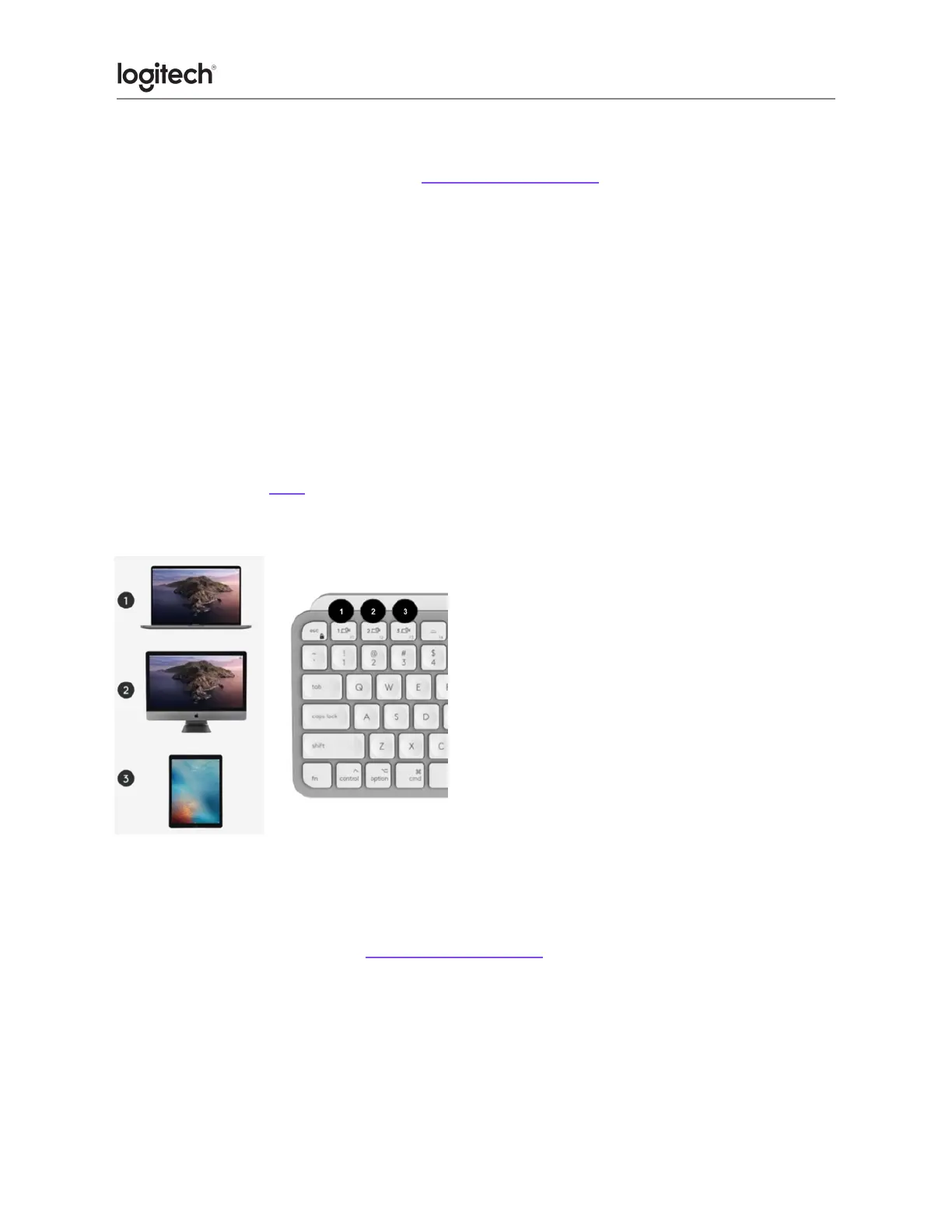
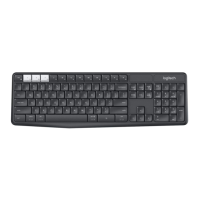
Your keyboard can be paired with up to three different computers using the Easy-Switch
button to change the channel.
1. Select the channel you want using the Easy-Switch button — press and hold the same
button for three seconds. This will put the keyboard in discoverable mode so that it
can be seen by your computer. The LED will start blinking quickly.
2. Open the Bluetooth settings on your computer to complete the pairing. You can read
more details here.
3. Once paired, a short press on the Easy-Switch button lets you switch channels.
Install Software
Download Logitech Options+ to use all the possibilities this keyboard has to offer. To
download and learn more, go to logitech.com/options+.
The software is compatible with Windows and Mac.





 To Next Page