Helpline No UK. 0871 2000 463 ROI. 01443 3940
Web Support: www.skymediauk.co.uk
Model Number: X19/17-USB
16
PICTURE MENU
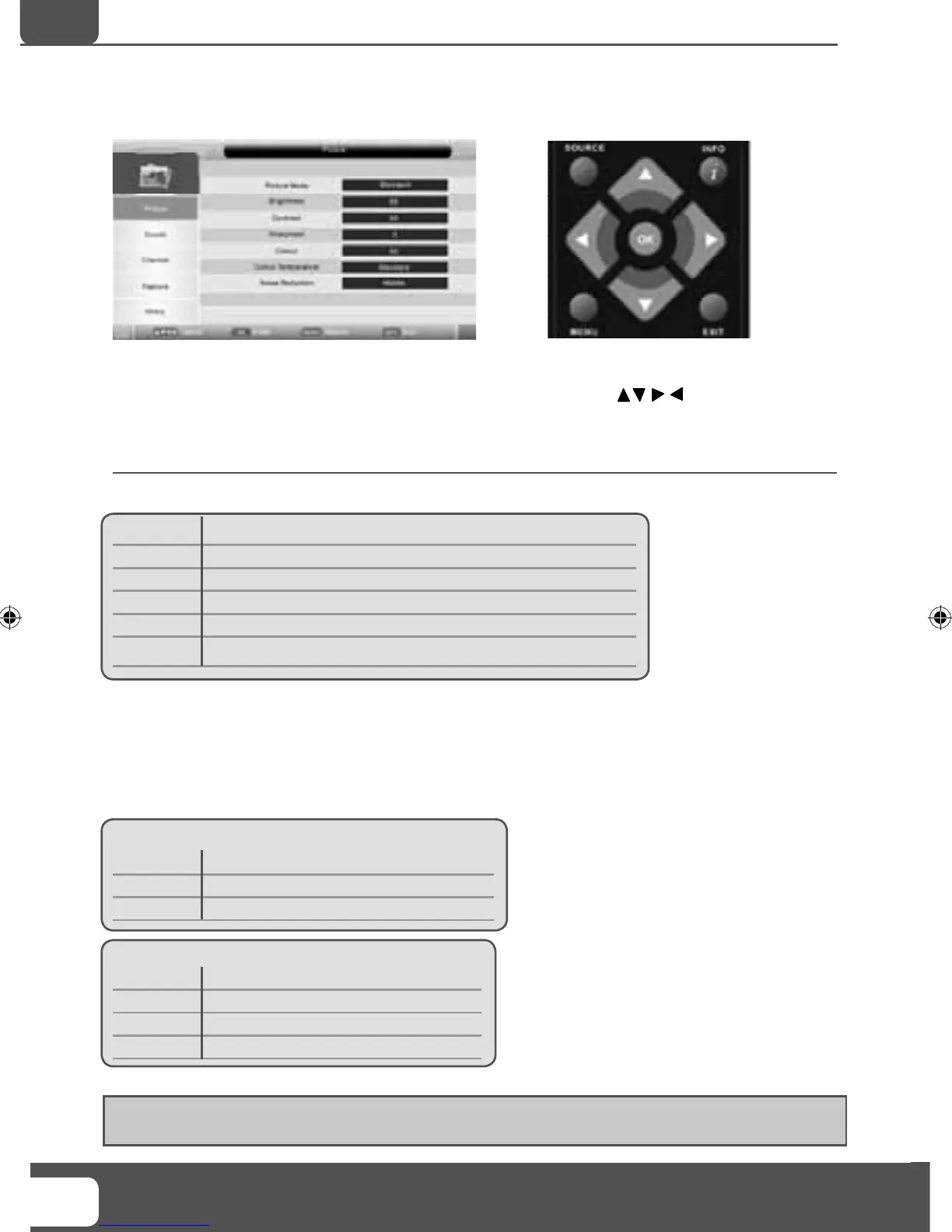
To access this menu, press [MENU] button on the remote control.
If you wish to make changes to any of the default settings, use the scroll
buttons.
To confi rm any settings press [OK] button.
To exit this menu at anytime, press [EXIT] button.
Picture Mode - Choose from the following presets
Standard Default settings
Personal Lets you manually alter all the settings
Movie Recommended settings when watching a movie
Sport Recommended settings when watching sport
Mild Set to be lighter in colour and less bright
Game Recommended settings when playing game consoles
Brightness - Increase or decrease the brightness of the picture
Contrast - Switch the balance between black and white
Sharpness - Increase or decrease the sharpness of the picture
Colour - Increases the colour from black and white
Colour Temperature - Choose from the following presets
Standard Default
settings
Warm Increases red within the picture
Cool Increases blue within the picture
Noise Reduction - Choose from the following presets
Low
Minimum reduction in interference
Middle Medium reduction in interference
High Maximum reduction in interference
Off Off
Tip: If you do not press any buttons for 10 seconds, the menu will automatically exit. You can change the
length of time before the menu exits automatically - see ‘OSD Timer’ section.
TV Menu Operation
AV
19- 17 Logix manual.indd Sec1:1619- 17 Logix manual.indd Sec1:16 18/12/2009 10:06:4118/12/2009 10:06:41


 To Next Page