Helpline No UK. 0871 2000 463 ROI. 01443 3940
Web Support: www.skymediauk.co.uk
Model Number: X19/17-USB
18
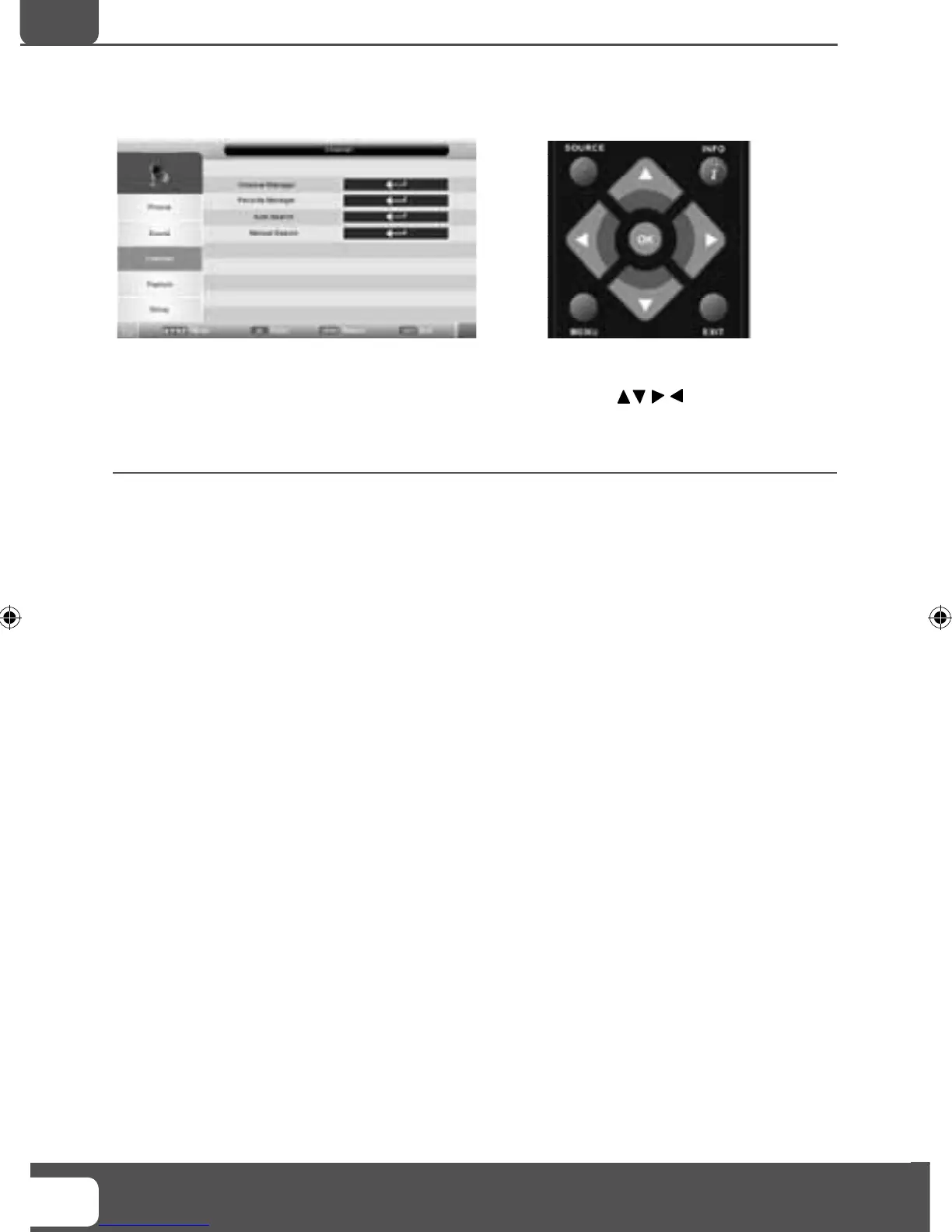
CHANNEL MENU
To access this menu, press [MENU] button on the remote control.
If you wish to make changes to any of the default settings, use the scroll
buttons. To confi rm
any settings press [OK] button.
To exit this menu at anytime, press [EXIT] button.
Channel Manager - Allows you to lock channels, delete channels, add/remove channel skip, move channel
position and rename channels.
Favourite Manager - Add and remove favourites. Up to 4 favourite lists are available
Auto Search - You can select the country and then complete re-tune of the television
Manual Search - Select the start channel (which relates to the frequency) and search manually for a
channel.
Note - This only searches for channels in the current source. i.e. Freeview channels on Freeview source
TV Menu Operation
AV
19- 17 Logix manual.indd Sec1:1819- 17 Logix manual.indd Sec1:18 18/12/2009 10:06:4118/12/2009 10:06:41


 To Next Page