LogTag UTRIX Work Instruction Manual Revision 1.07 MP Release Page 12/52
1.6 Test & calibrate UTRIX PCBA (test fixture)
The PCBA test uses software called “PCBA test UTRIX-16” that runs on a PC under Win 7.
LogTag Production Software version 2.8 build 3 or later is required for this test.
Reason for test stage:
To verify complete PCBA function and calibrate the temperature sensor circuit.
Equipment required:
• PC installed with Win 7 and the UTRIX-16 PCBA test software package
• PC must have at least 2x USB Ports and RS232 (COM1 & COM2) port available.
• LogTag production test fixture controller (TFC) (Firmware vF.61 or greater required).
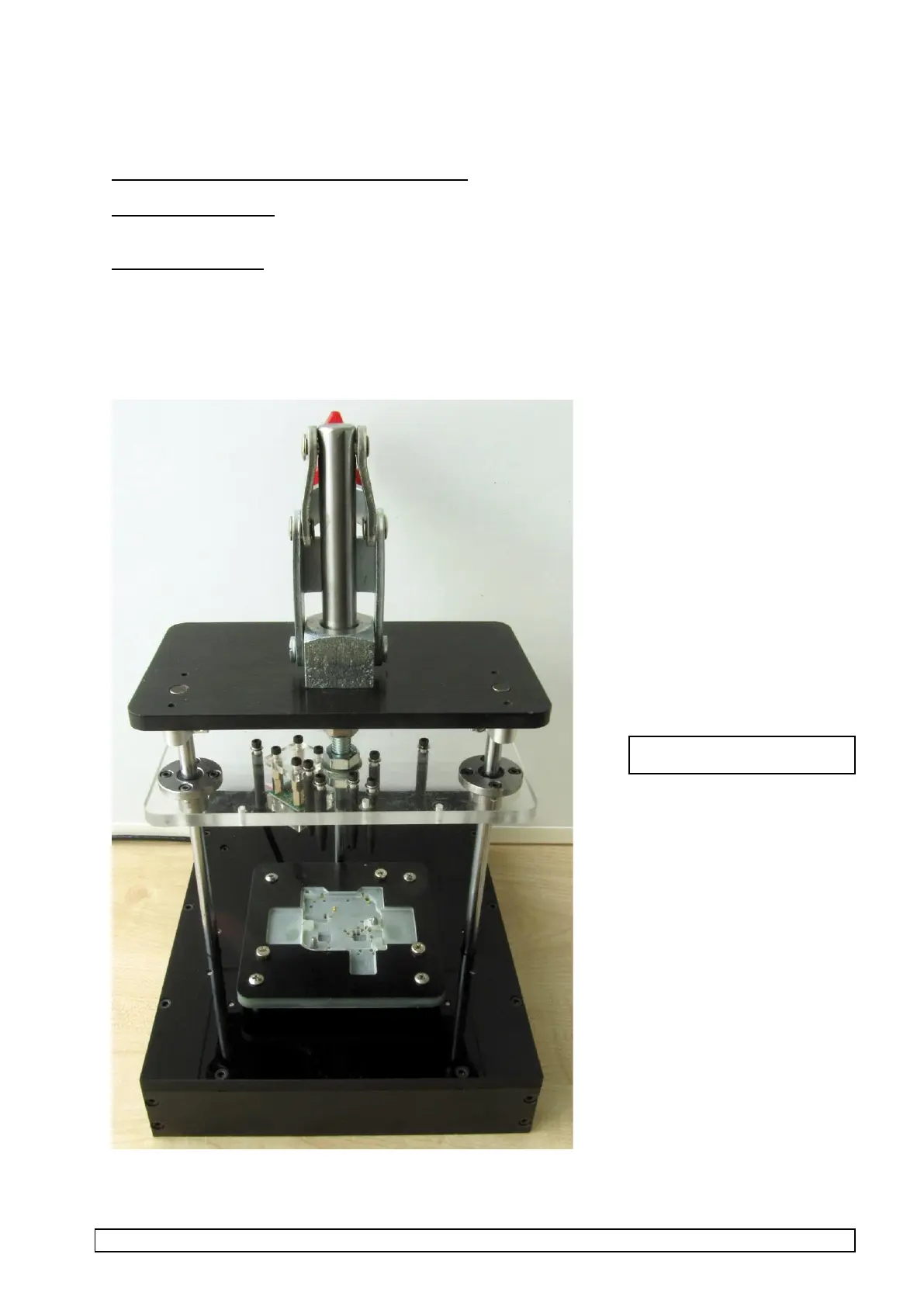
• UTRIX JIG fixture (version 3) plugged into controller (both cables).
• 9V DC power supply or adapter to power test fixture controllers.



 To Next Page