LogTag UTRIX Work Instruction Manual Revision 1.07 MP Release Page 13/52
Setup:
• Turn on PC, plug test fixture controllers into serial port (COM1 & COM2).
• Plug 9V DC power supply into Test fixture controllers.
• Connect UTRIX test fixtures USB cable directly to the PC USB ports.
• Connect UTRIX test fixture’s two cables to the test fixture controllers.
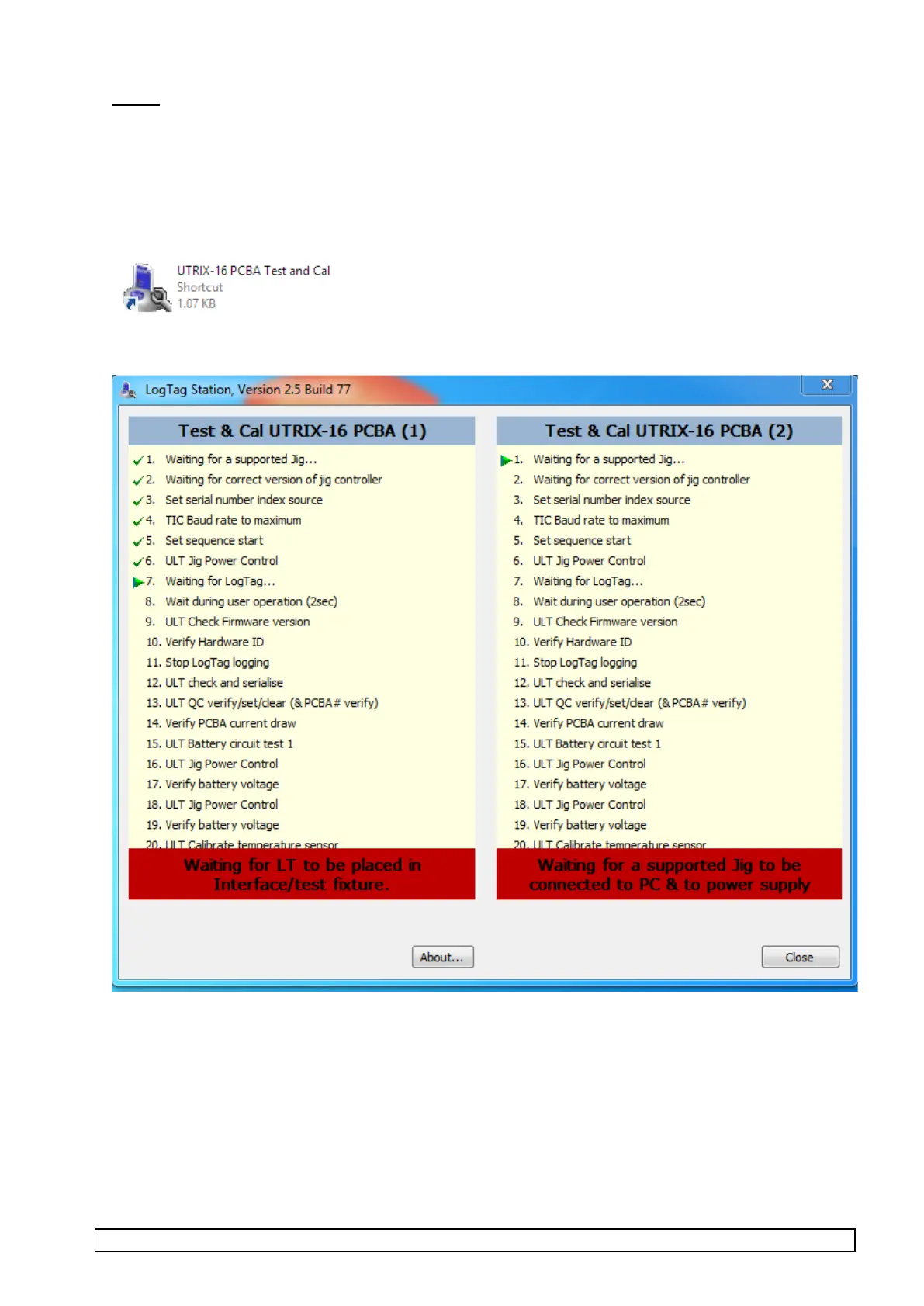
• Start “Test & Cal UTRIX-16 PCBA” software;
“UTRIX-16 PCBA Test and Cal” icon looks like this:
Software opens with the following screen:



 To Next Page