LogTag UTRIX Work Instruction Manual Revision 1.07 MP Release Page 14/52
Procedure:
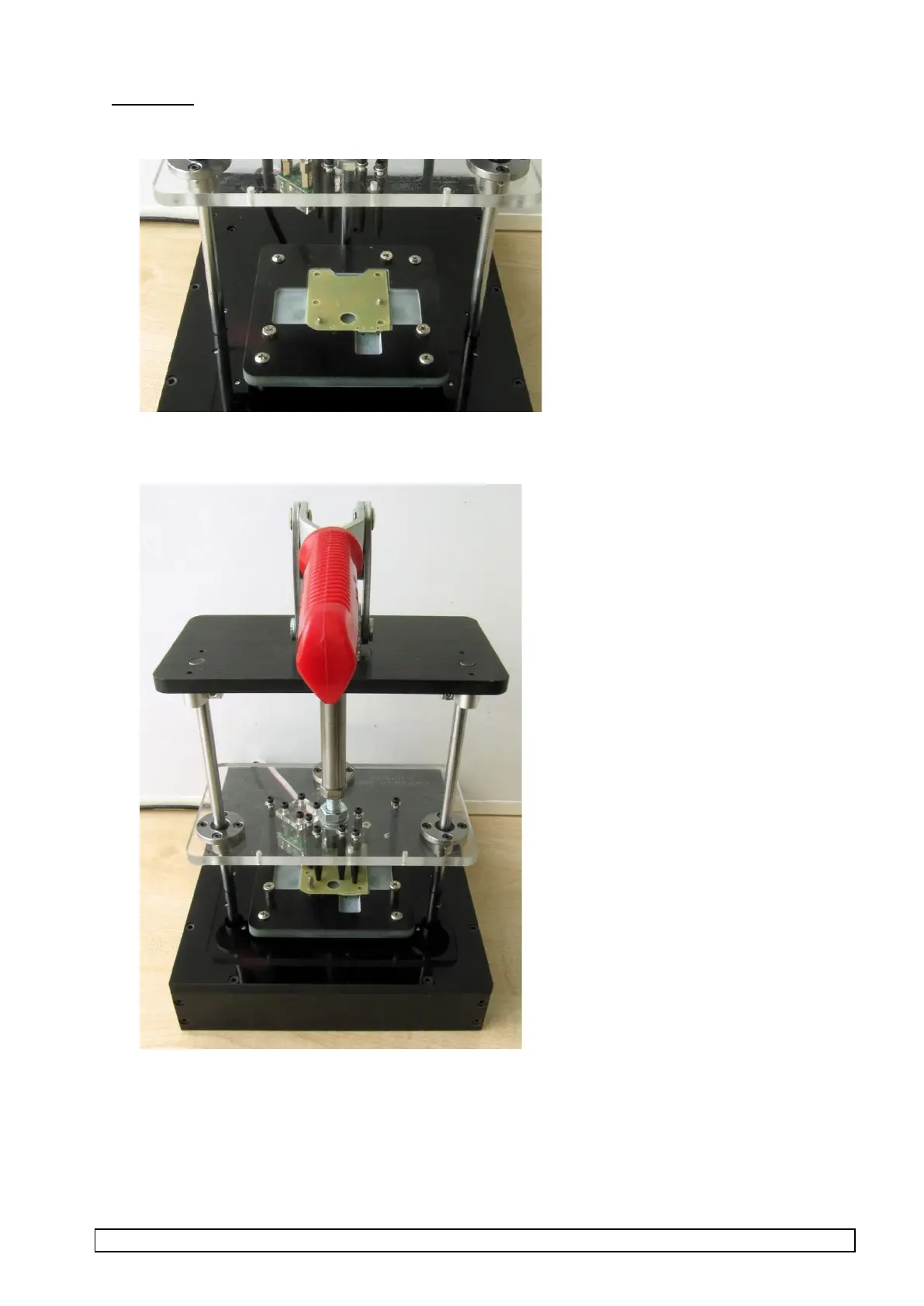
1. Place PCBA into test fixture.
Pull down lever to bring fixture into operation
2. The test will now automatically run and will take approx. 75 seconds.
3. Observe that all tests are OK (no Corrective Action window appears)
4. Remove PCBA from test fixture when prompted.
5. Repeat from step 1.
All PCBA with “OK” screen should be passed to the next stage.



 To Next Page