LogTag UTRIX Work Instruction Manual Revision 1.07 MP Release Page 23/52
2 MANUFACTURING PHASE 2
2.1 Fit Battery and solder into place
Procedure
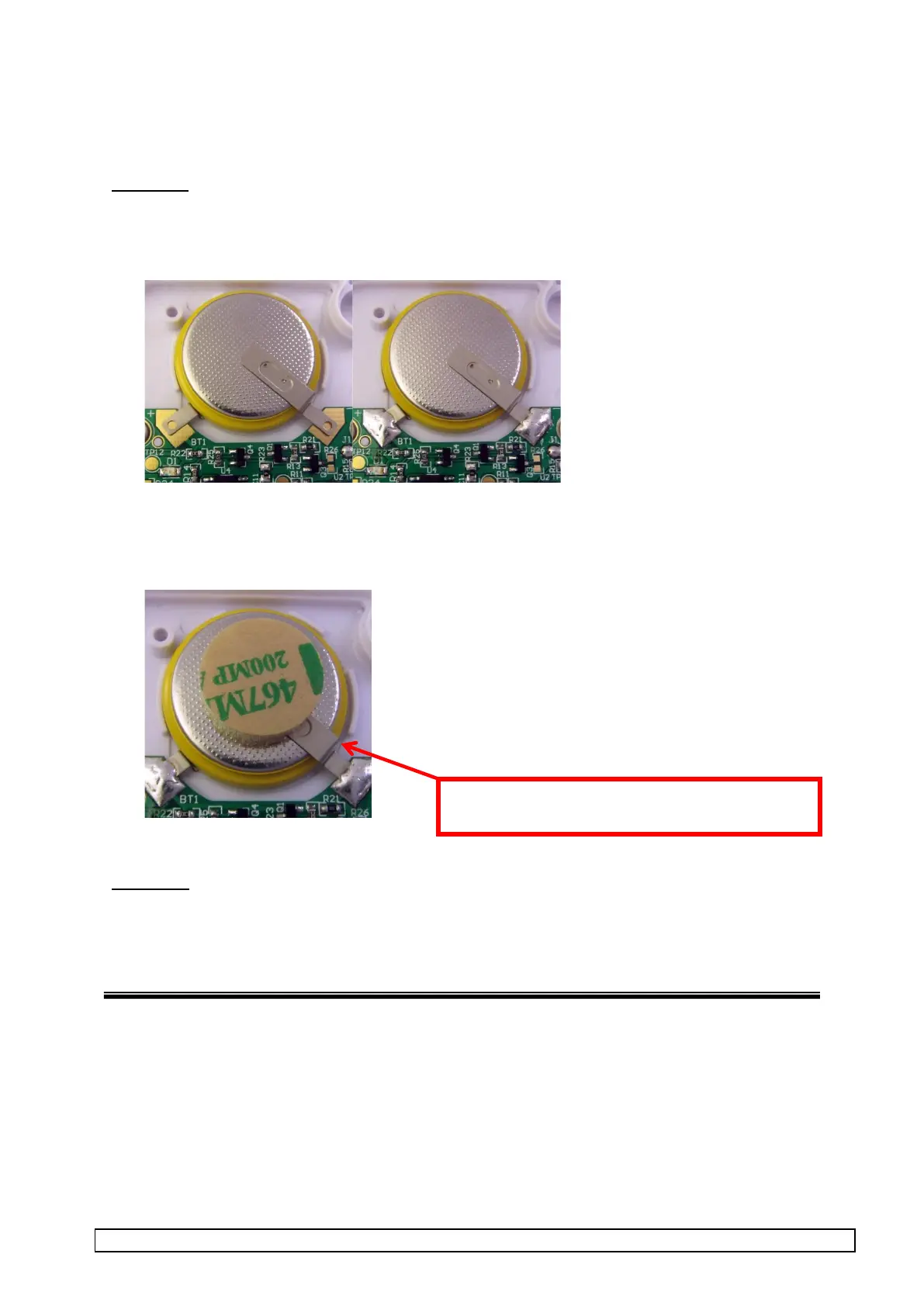
1. Fit battery into case aligning the battery terminals as shown.
2. While pressing the battery down, solder the two battery terminals to the PCB.
3. Place foam dot on top of the battery as shown.
Inspection
Check there are no shorts between battery terminals and other components or pads.
Make sure the battery insulation is not damaged
Make sure terminal is not touching or piercing the insulation sleeve



 To Next Page