LogTag UTRIX Work Instruction Manual Revision 1.07 MP Release Page 37/52
Setup:
• Turn on PC and ensure the time & date is correct.
• Connect the LTI Production interface to the PC.
Ensure the production interface is mounted in temperature stabilisation area such as shown below :
• Connect one end of the USB extender base’s cable to the PC,
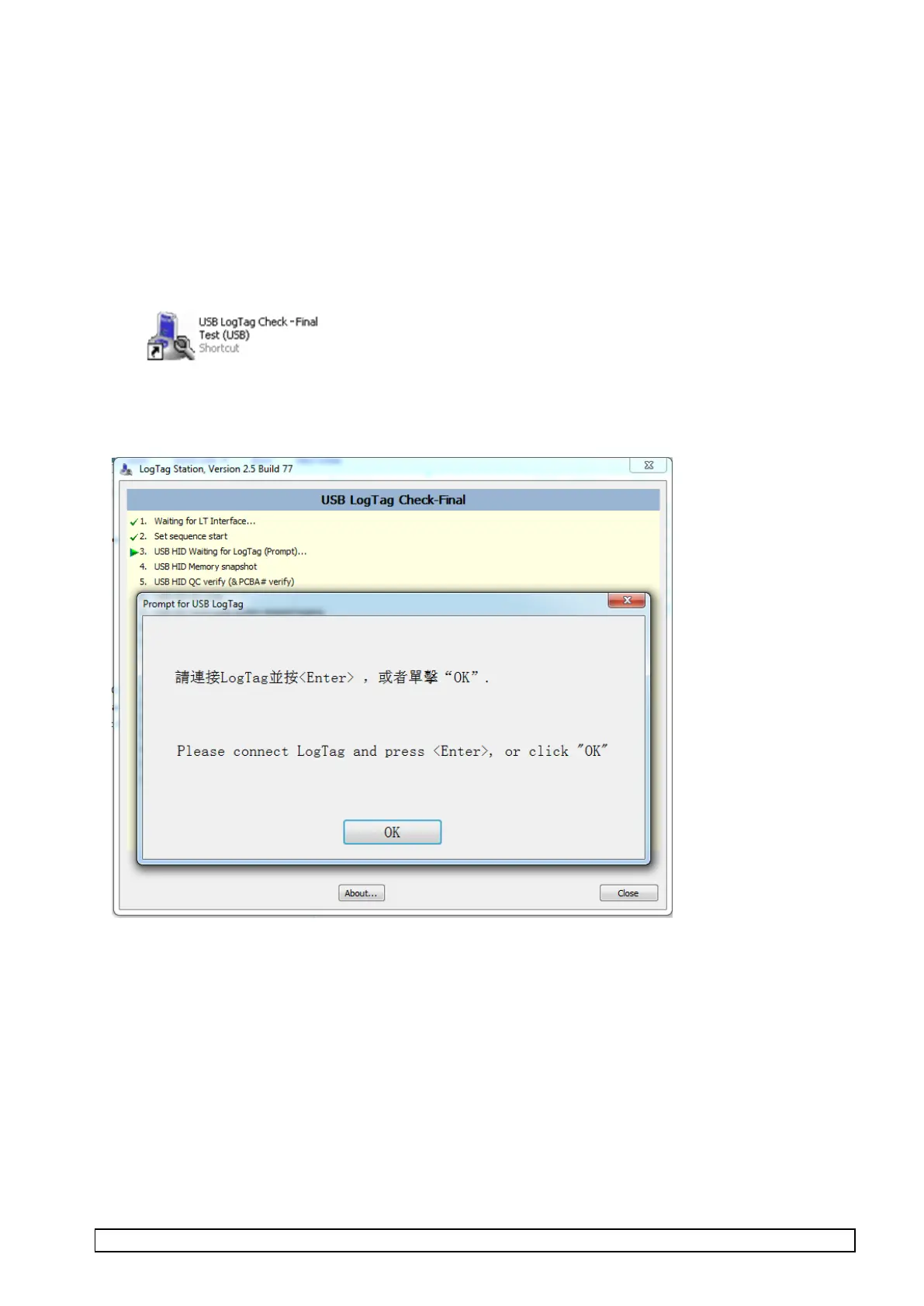
• Start up “USB LogTag Check - Final Test (USB)” test software (by selecting or double clicking USB
LogTag Check - Final Test (USB) icon in the “Check and Final Test” folder on desktop).
• The screen should display as below with prompt for placing LogTag into test fixture.



 To Next Page