LogTag UTRIX Work Instruction Manual Revision 1.07 MP Release Page 38/52
Procedure:
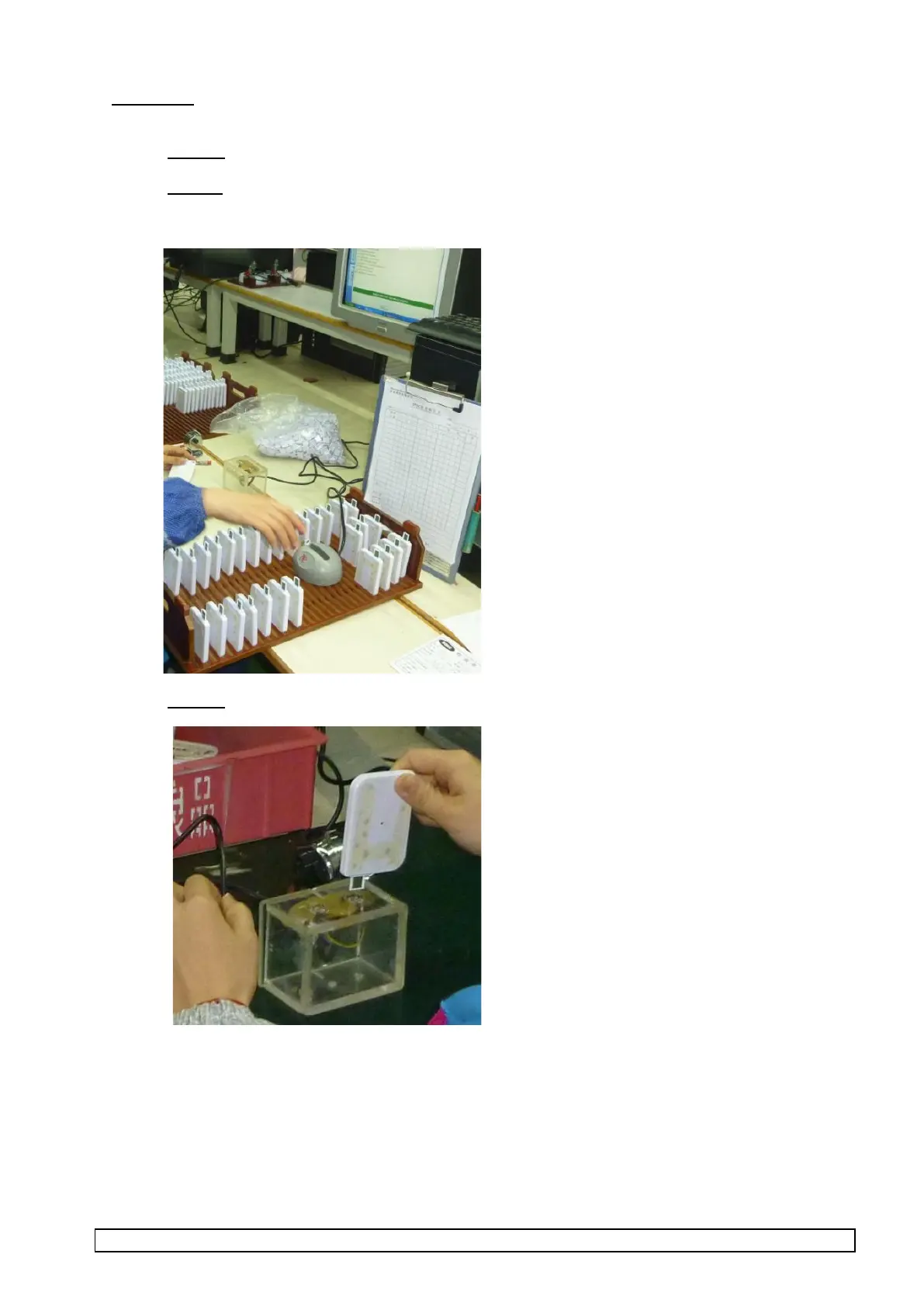
1. Remove USB caps on units to be stored in racks in temperature stabilisation area.
2. Arrange the storage of units to be tested in rack arrangement in temperature stabilisation area with
testing interface for at least 10 minutes before performing the test to ensure they are at a similar
temperature to the temperature sensor in the production interface.
3. Remove UTRIX to be tested from temperature stabilisation area and plug into USB extender base.
NOTE:
USE cotton gloves to and minimise hand contact with case of UTRIX to minimise temperature reading
error.
ONLY remove unit from area when ready to test.
DO NOT hold unit in hand while waiting for a test to complete.



 To Next Page