LogTag UTRIX Work Instruction Manual Revision 1.07 MP Release Page 42/52
Customisation (cont.)
Setup:
• Ensure PC has correct time/date and time zone is set correctly.
• Ensure the USB extender cable is plugged into the PC’s USB port.
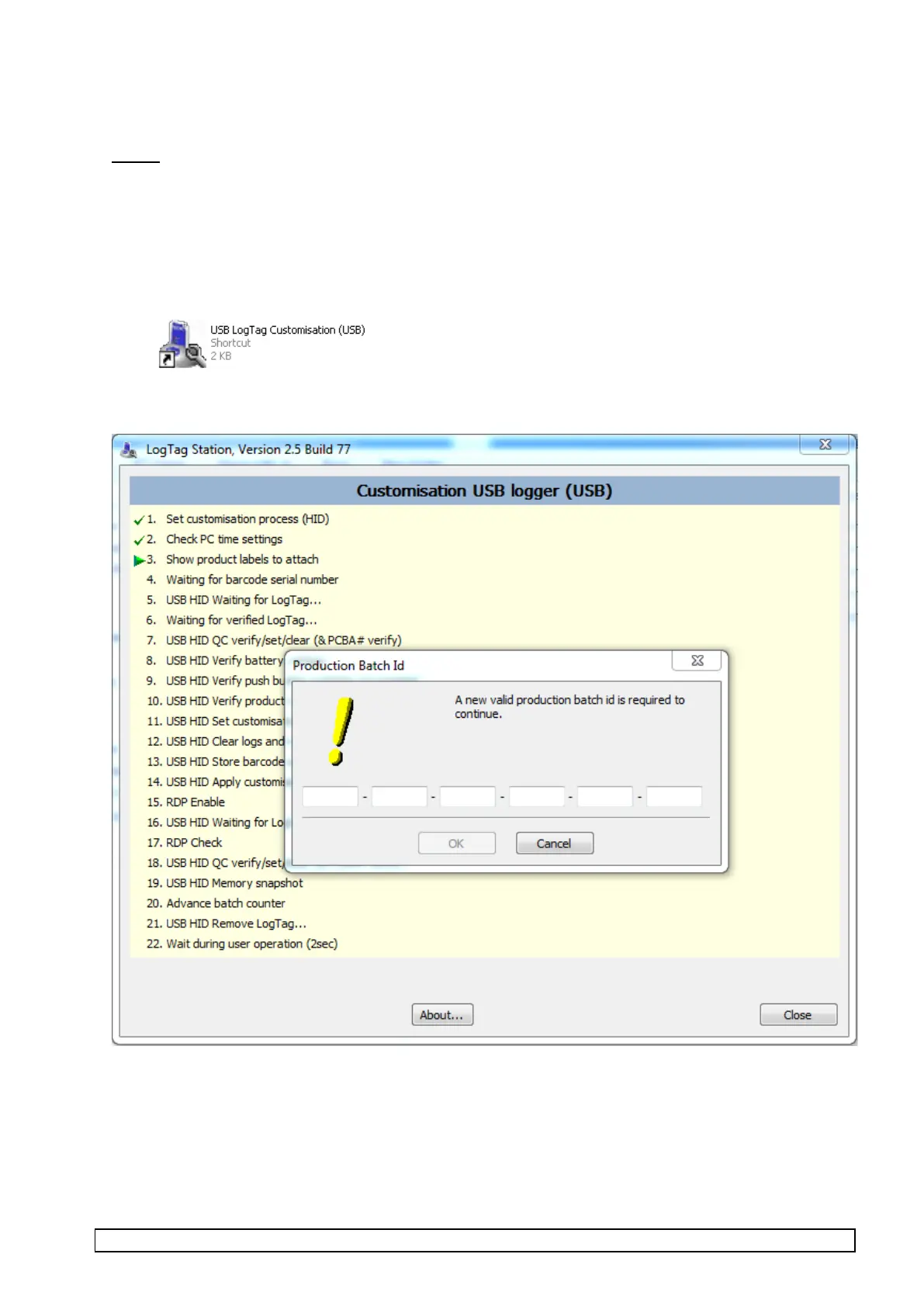
• Start up “USB LogTag Customisation (USB)” software (by selecting or double clicking USB LogTag
Customisation (USB) icon in the Customisation folder on desktop).
The screen will display as below with prompt for entering the batch ID for the production order.
The batch ID is a 24 character code which defines the customer, order quantity, LogTag configuration and
labels to be attached. A batch ID is supplied for each customer order.
The batch order is supplied as a batch document and it provided with sheets of labels for each sub carton
and carton. These labels include the batch code and a barcode of the batch code which can be directly
barcode scanned into the above software prompt.



 To Next Page