Service Questions and Answers
Should your paging system ever fail or should you need additional paging supplies, call Long Range Sys-
tems at (800) 437-4996 (24/7 days a week)
For weekend or night emergencies:
• Long Range Systems has 24/7 live technical support available.
• Please keep in mind that options are limited over the weekend.
LRS Pagers Available for the T7400
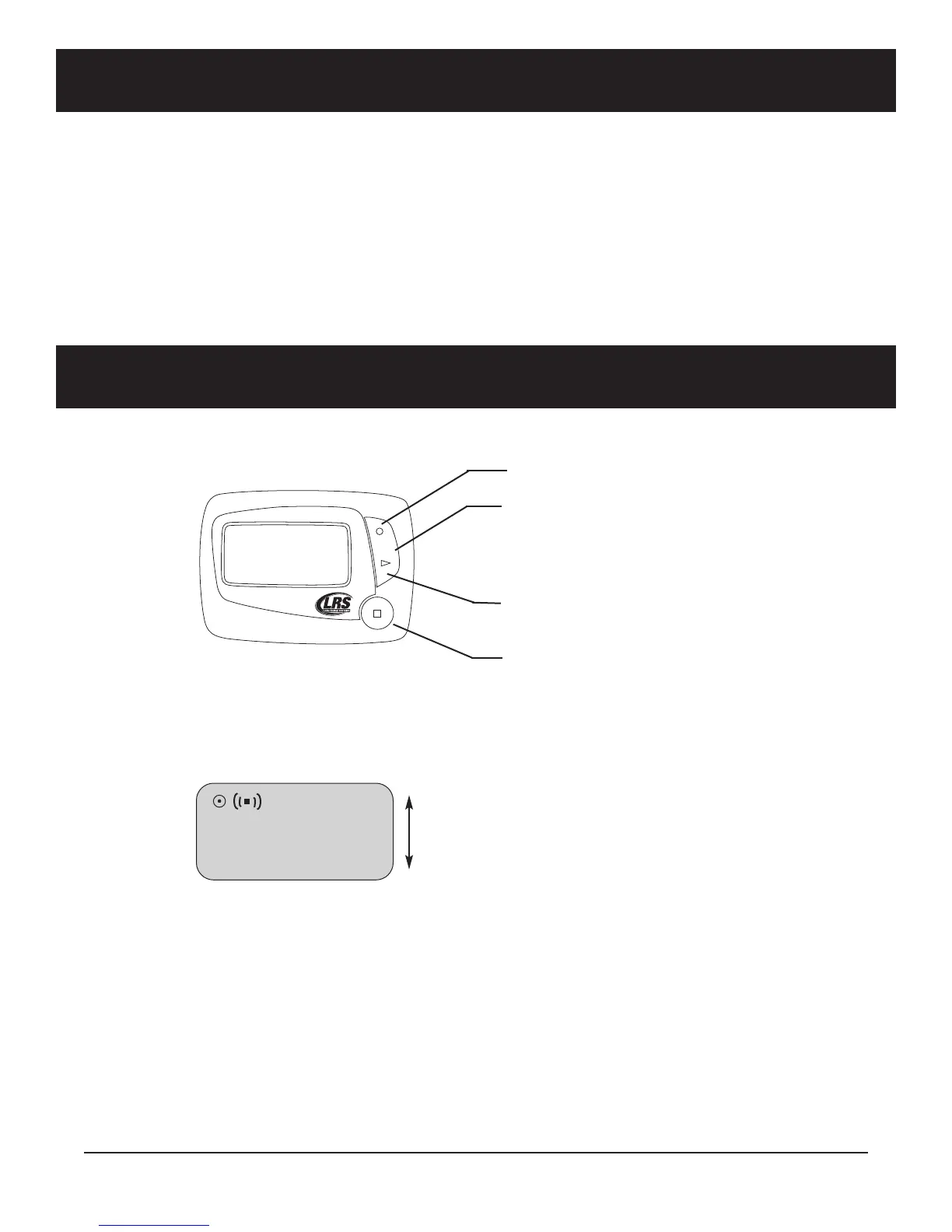
Using the 4-Line Alpha Numeric Pager
Menus
Selecting functions
1. From Read All screen, press Up (or Dn) Scroll button until desired selection displays
2. Press Read/Select button to select item
3. Press Up (or Dn) Scroll button to choose/adjust
4. Press Read/Select to confirm/set
Power On/Off
Set ON (if unit is off)
1. Press and hold Scroll Up until YES/NO shows.
,
,
(
(
+
+
1
1
1
1
(
(
2
2
UP
SCROLL
DN
UP
SCROLL DOWN
DOWN
SELECT/READ
BUTTON
Long Range Systems 33 T7400 User Manual



 To Next Page