www.longer3d.com info@longer3d.com
Take the current graph as an example. The green point in the lower left corner of the graph is the
origin of the laser (the current position is the original position where the laser starts to work). After
placing the sheet under the laser, click "Border" to make the laser go through the outline of the
picture to ensure the picture It can completely cover the inside of the board.
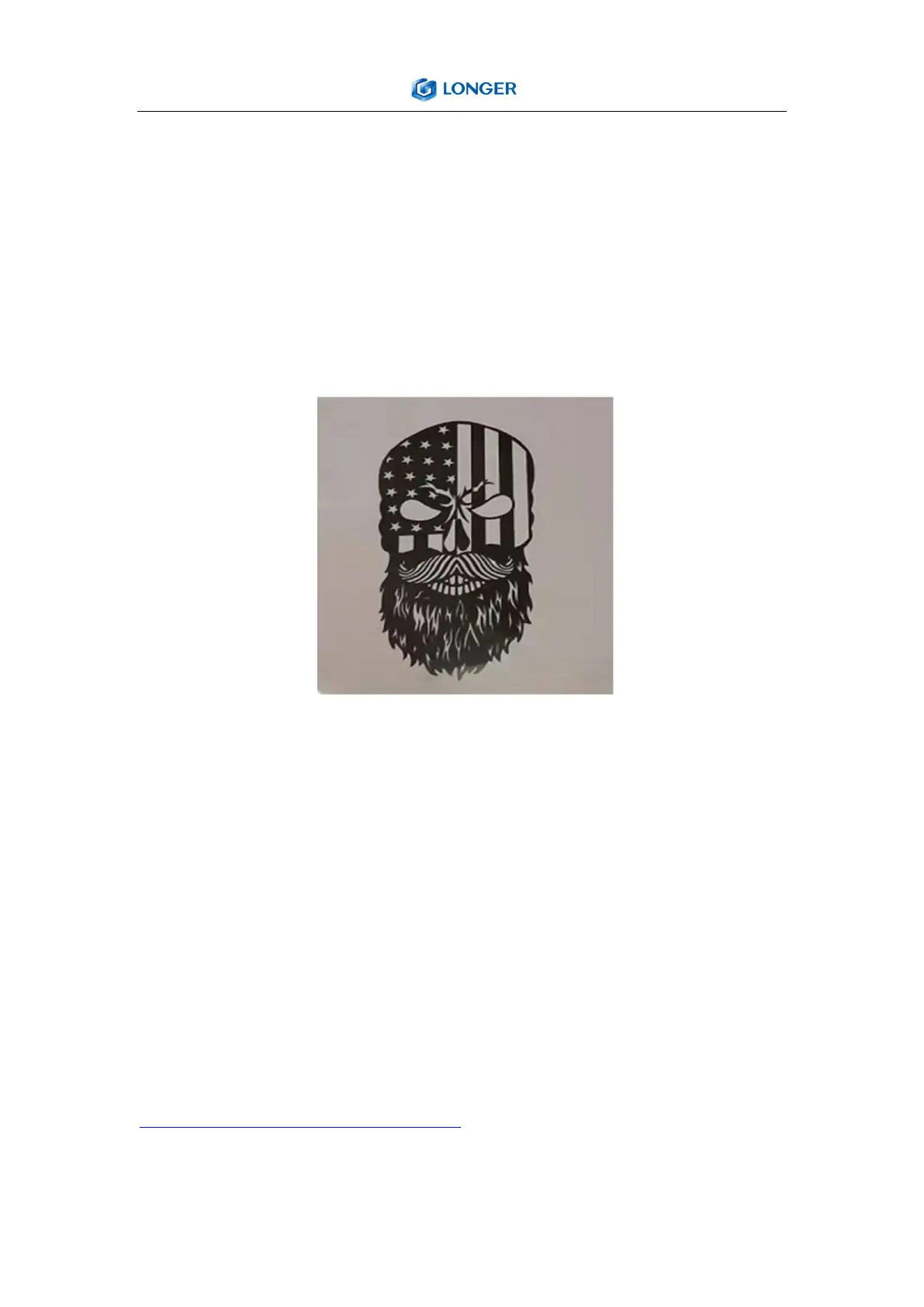
Click "start", the laser starts to work. The picture below shows the actual engraving effect of mirror
stainless steel.
LaserGRBL
1.Please download the Host Control Software ”LaserGrbl” and the Drivers at:
https://github.com/arkypita/LaserGRBL/releases
2. After installing laserGRBL,Please plug the cable of power adapter into the Power Adapter
Interface, press the Power Switch button, and connect the laser engraver and computer via USB



 To Next Page