AUTOMATIC
71
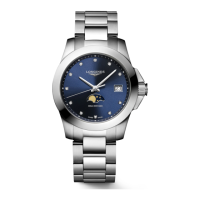
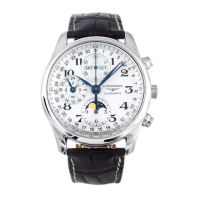
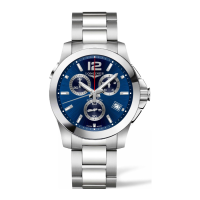
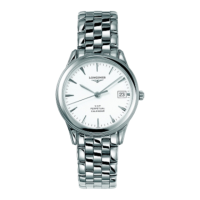
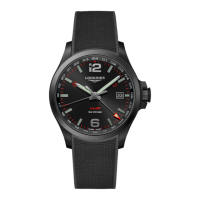
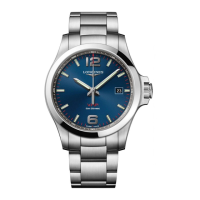
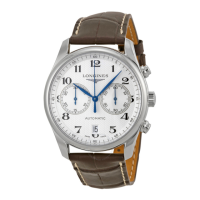
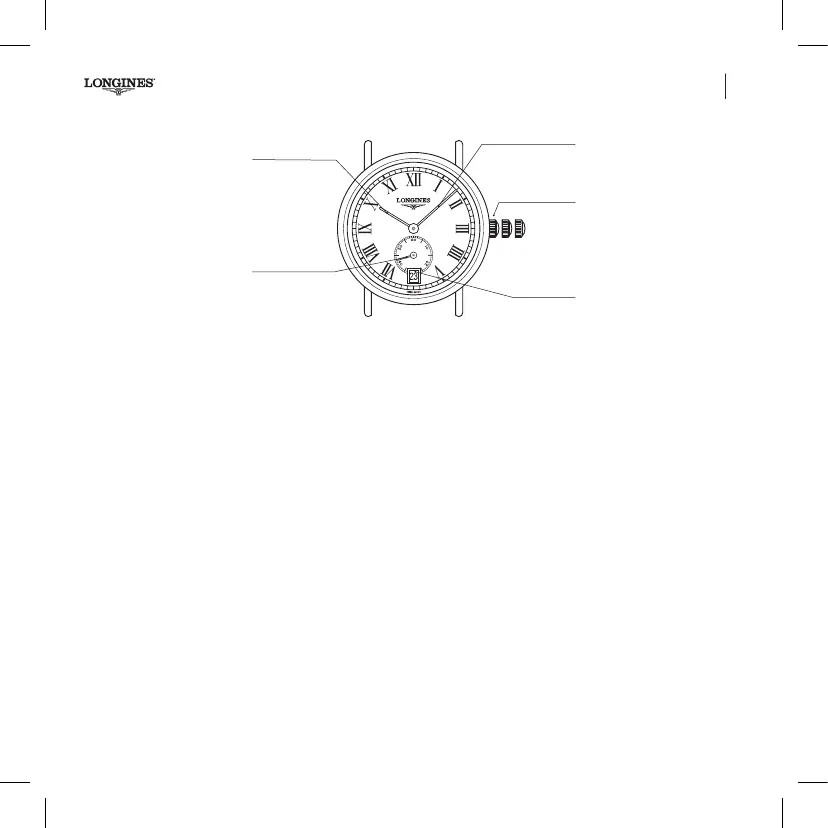
Automatic watches L615, L892.5
Hour, minute, seconds and date display.
3-position crown
Setting the time and stop seconds
(See page 68)
Quick date correction
Pull the crown out to the intermediate position 2. Set the date by
turning the crown forward. Then push the crown fully back in
again (pos. 1). The date needs to be corrected after every month
shorter than 31 days.
L615, L892.5
Hour hand
Minute hand
3-position crown
Date window
Seconds hand
1 2 3
Book_I.indb 71 13.08.19 10:56


 To Next Page
 Loading...