82
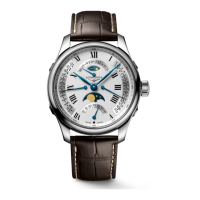
L899 Automatic watches
L899
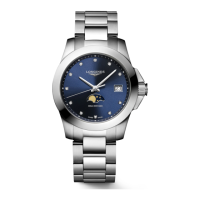
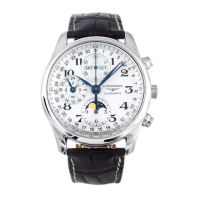
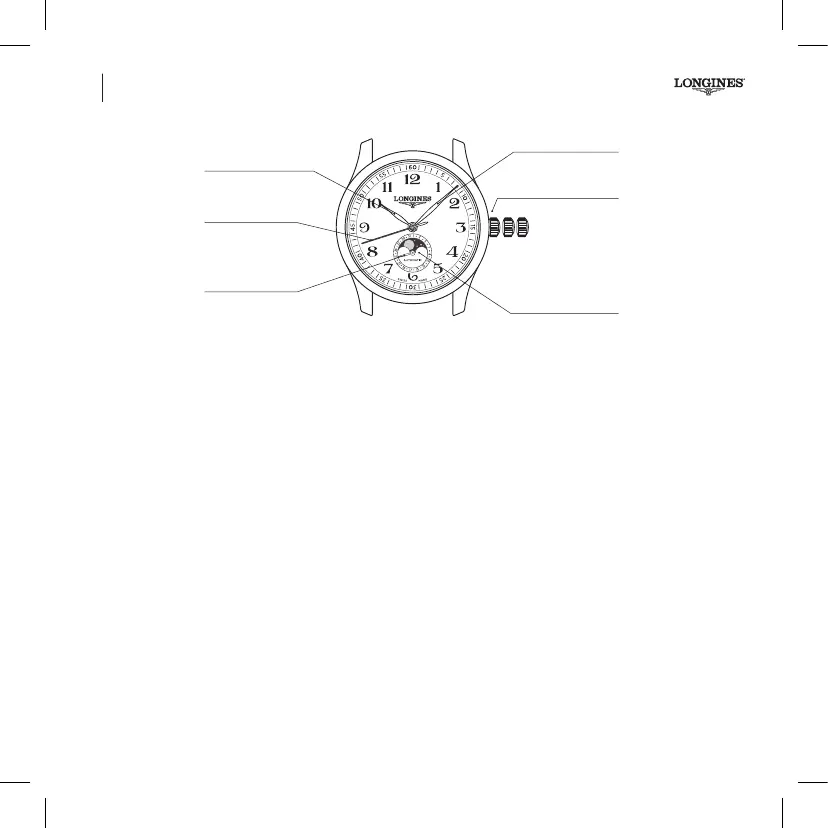
Hour, minute, seconds, date and moon phase display.
3-position crown
Setting the time and stop seconds
(See page 68)
Hour hand
Seconds hand
Minute hand
3-position crown
1 2 3
Moon phase
Moon phase correction
Pull the crown out to the intermediate position 2. Turn the crown
forward to correct the moon phase, until the full moon appears in
the centre of the moon phase window. Determine the date of the
last full moon using a calendar diary indicating the moon phases.
Turn the crown forward again to the position indicated on the table
of lunar months. Then turn the crown backward to correct the date.
Then push the crown fully back in again (pos. 1). The date needs to
be corrected after every month shorter than 31 days.
Date hand
Book_I.indb 82 13.08.19 10:56


 To Next Page
 Loading...