SETUP
&
USE
Page 4 V 2.0
CONNECTION
Before connecting to your camera, it is recommended to download the
TARGETVISION application from your device's app store.
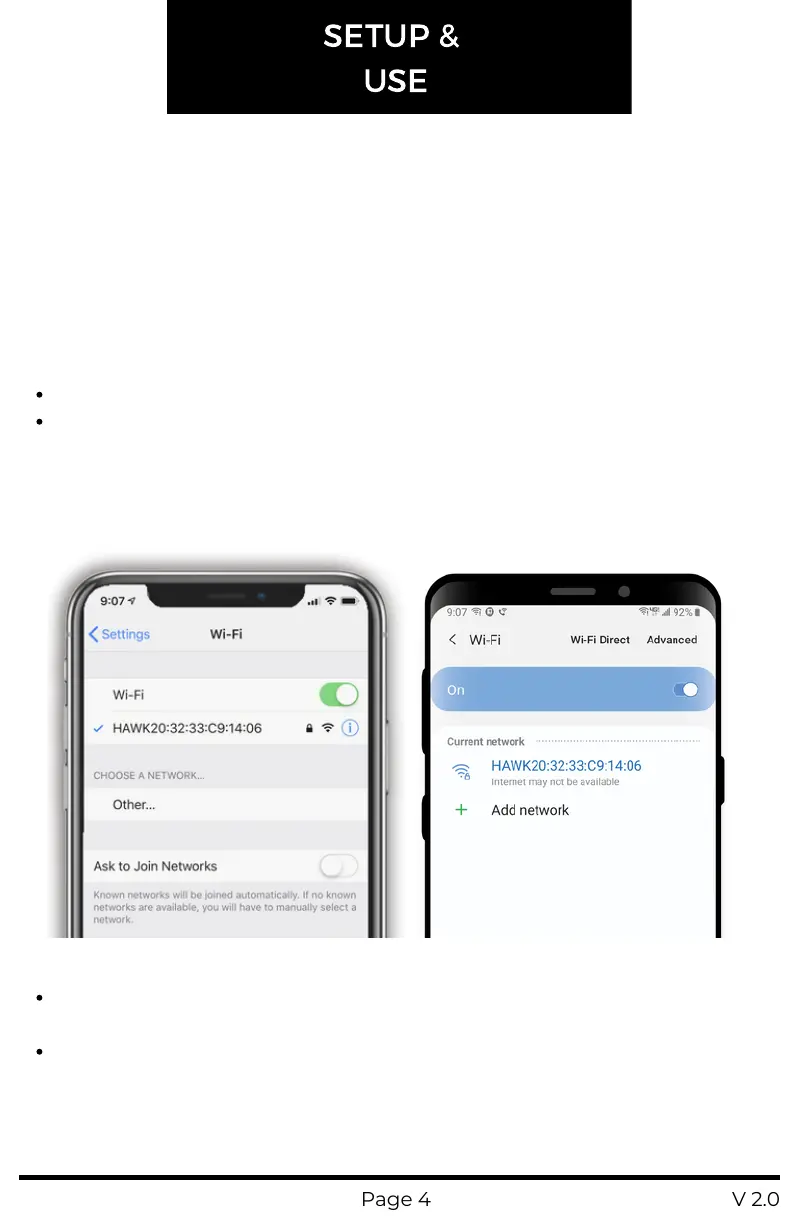
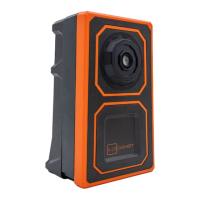
Connecting to your HAWK is as simple as connecting to a WiFinetwork.
Simply turn the camera on, go into the WiFi settings of your device,
locate and connect to the camera's network:
SSID: HAWKXX:XX:XX:XX:XX:XX
Password: longshot
Once you have established a connection, open the TARGETVISION
application on your device and use the live video feed to adjust the
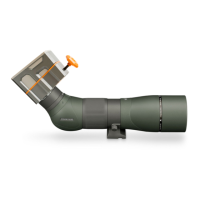
position and focus of your spotting scope.
Please note:Once connected to the WiFi network
Apple devices may warn that there is "no internet connection"
available
Android devices may warn that "internet may not be available"
This is normal and nothing to be concerned about. There is not internet
available when you are connected to your camera's network. Please
proceed by opening the Targetvision app and you should see a camera
feed.


 To Next Page