SETUP &
USE
CONNECTION
Before connecting to your camera, it is recommended to
download the LONGSHOT application from your device's app
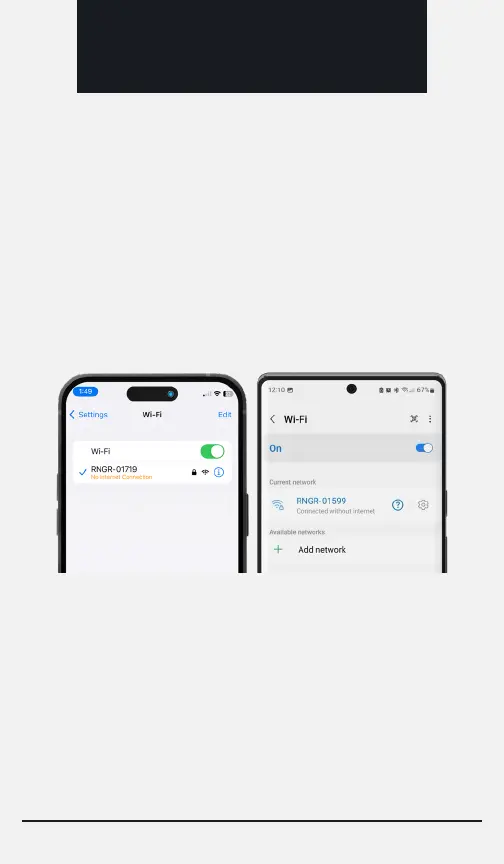
store. Connecting to your RANGER is as simple as connecting to
a WiFi network. Simply turn the camera on, go into the WiFi
settings of your device, locate, and connect to the camera’s
network.
When setting up the camera, you can connect directly to the
camera’s wifi network. This direct connection is good for
anything within 100 yards. Sometimes your device may remain
connected to the camera’s WiFi resulting in an unstable and
unsatisfactory connection and video stream.
CAMERA SSID: RNGR-XXXXXX PASSWORD: longshot
Page 6


 To Next Page