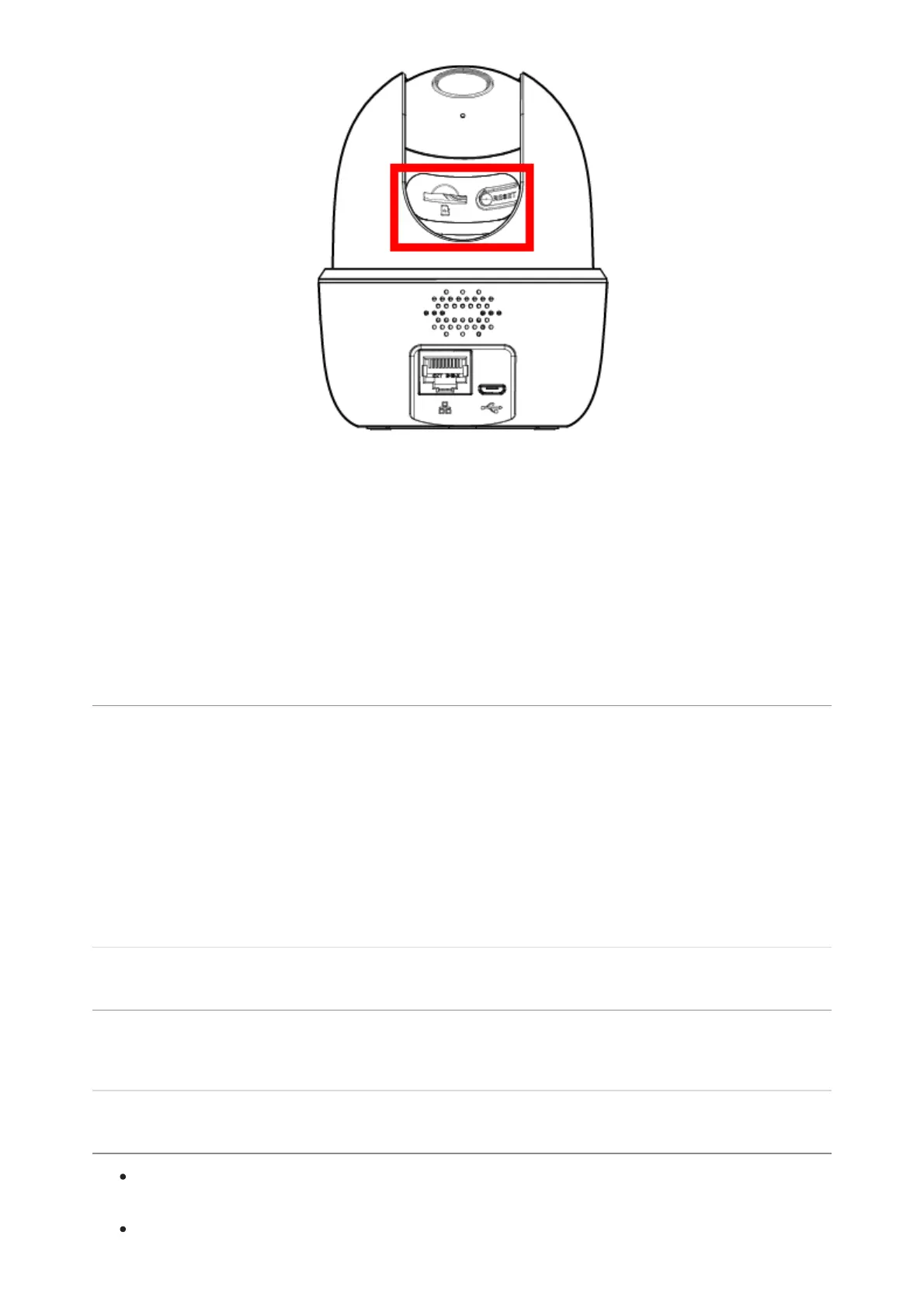
2. Press and hold the reset button for 10 seconds until the chime sounds to reset the
camera.
3
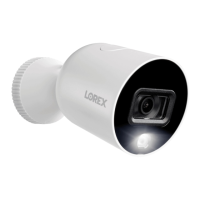
. Look for flashing green light below the lens to indicate that the camera has been
fully reset.
Note: A solid or steady green light indicates that the camera has not been fully reset. You
may have to redo the process again.
The status indicator is not flashing green
If you don't hear a chime or if the status light is not flashing green, then your mobile
device is not connecting with your Wi-Fi network. Reboot your Wi-fi OR perform the
following steps to reset your device.
1
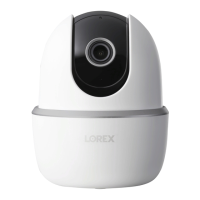
. Lift the panel on the top of the camera to access the Reset button.
2
. Press and hold the Reset button for 10 seconds to reboot the camera.
3
. Wait for one minute until the camera LED is flashing green.
The camera is stuck downwards
Turn off Privacy Mode in Device Settings on the Lorex App. This will enable the lens to
slide upwards.
The camera image is not clear
Check the camera lens for dirt, dust, and spiderwebs. Clean the lens with a soft,
clean cloth.
Remove the vinyl cover on the camera lens.



 To Next Page