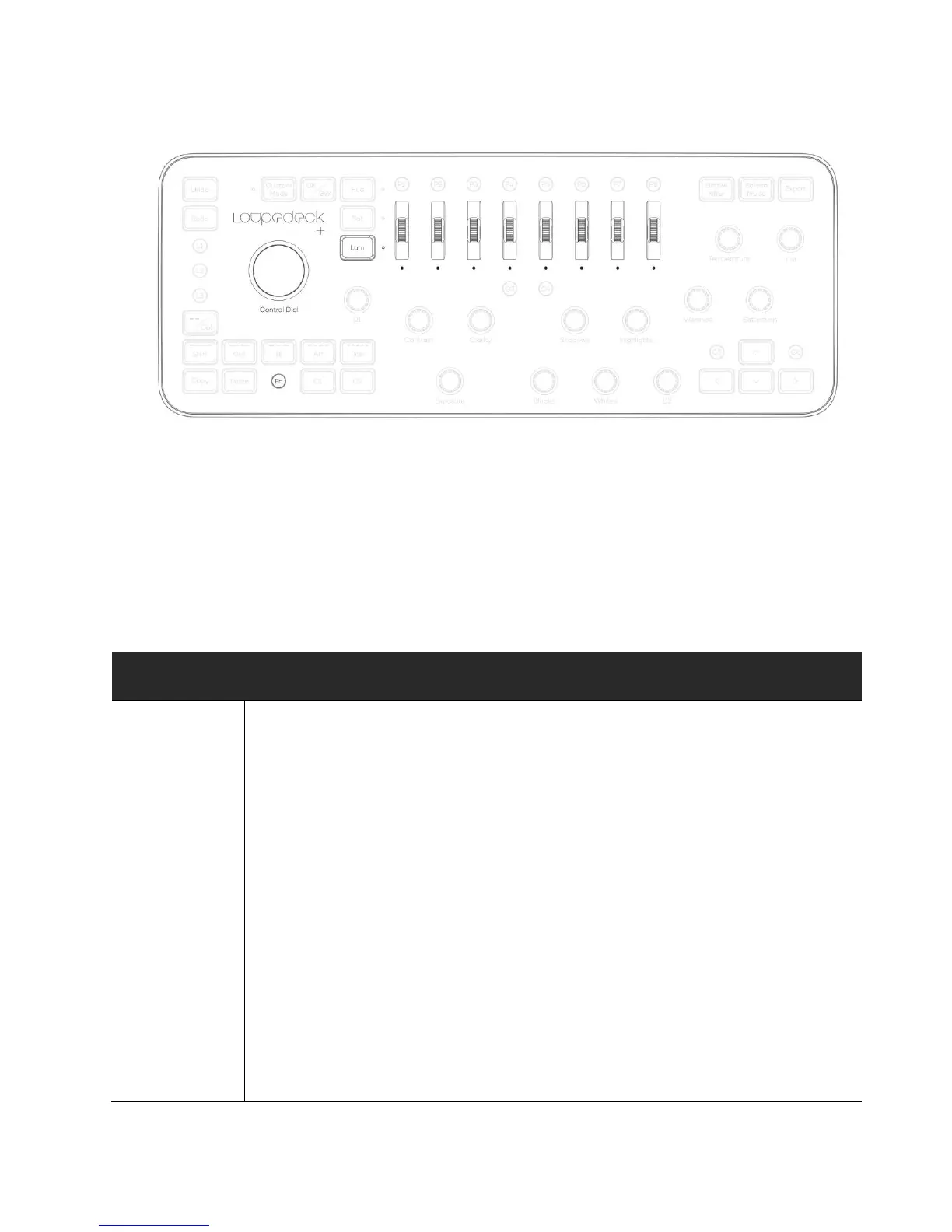
Tools that are controlled with LUM Scrolls.
- Healing Brush and Spot Healing Brush Tools
- Brush and Pencil Tools
- Clone Stamp and Pattern Stamp Tools
- History Brush and Art History Brush Tools
- Eraser and Background Eraser Tools
- Blur, Smudge and Sharpen Tools
- Dodge, Burn and Sponge Tools (only size)
Attributes can be changed if a particular tool has similar
traits (e.g. Eraser Tool has no Blending Mode)
Rotate Control Dial clockwise to increase or counter
clockwise to decrease brush tip size.
Rotate FN+Control Dial clockwise to increase or counter
clockwise to decrease brush hardness.
Turn Scroll 1 upwards to increase tip size or downwards to
decrease tip size *. Press Scroll 1 or Control Dial to reset
brush tip size to 25.
* On Windows OS cursor must be moved at the same time
when size is adjusted to see the change in real time.



 To Next Page