Code: MSGB202$0500.doc 18/06/2004 P. 10 / 20
Display menu
Data collection
The variables defined in the Data collection configuration page (Fig. 2.3) are unloaded from the multimeter
by pressing the ‘Start Rx data’ key. The same data are saved in an Ms-Access format database.
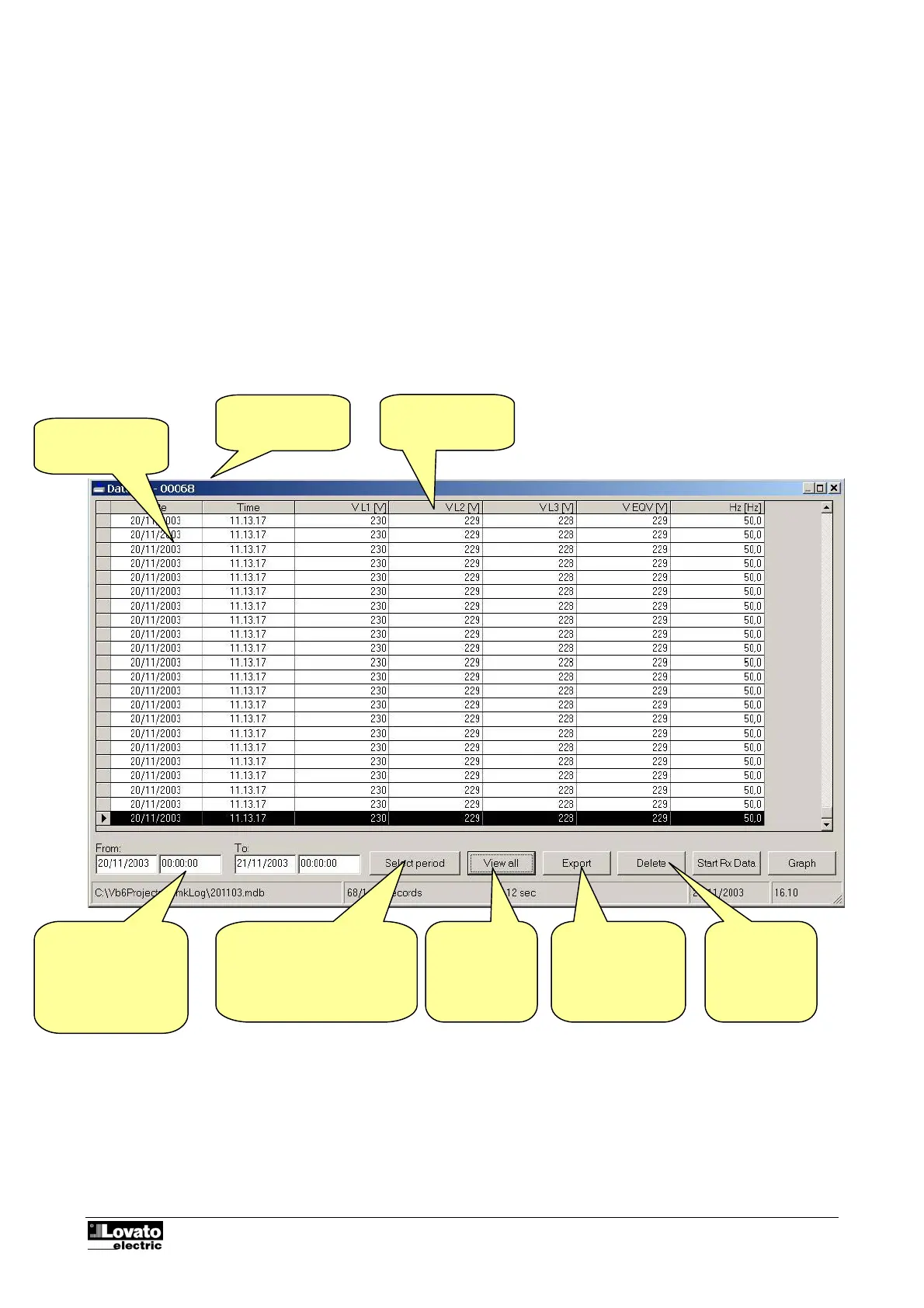
The data collected can be displayed in table form with the Display-Data collection menu or clicking on the
matching icon on the toolbar.
Fig. 3.1 – Display-Data collection
Sampling date
and time
Number of
records selected
Values of the
variables sampled
Display period
selected. Extracts the
values within a
specific interval of
time from the
database.
Opens the window for
specification of the interval of
time to be selected
Displays all
the record of
the database
Permits export of
the data selected
in ASCII or Excel
text files
Deletes the
data selected
from the
database



 To Next Page