Code: MSGB202$0500.doc 18/06/2004 P. 18 / 20
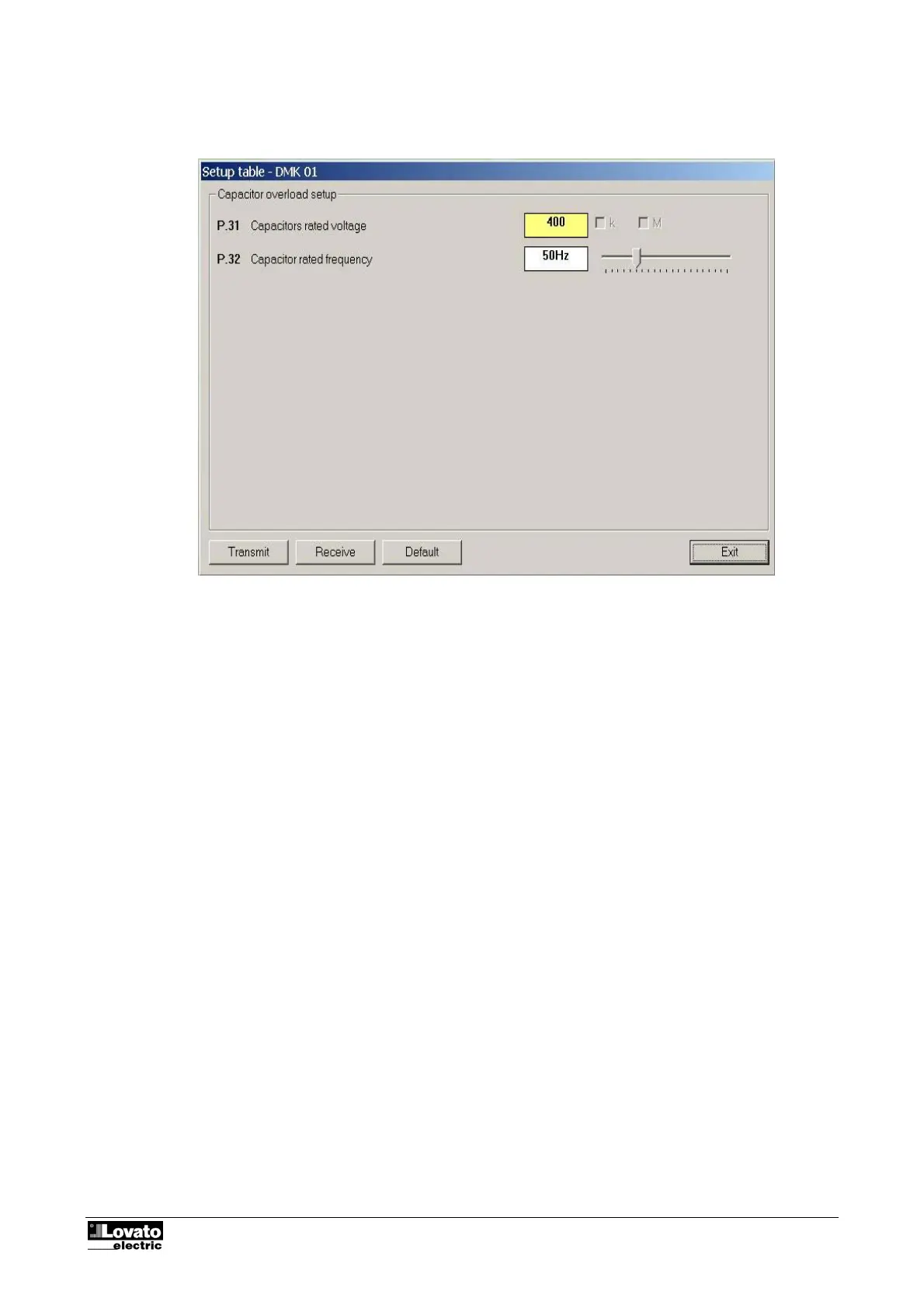
Capacitor overload setup
Fig. 9.3 – Parameters-Capacitor overload setup
Save-Load-Print
You can save the values of the setup parameters (of all four menus) on your hard disk in ASCII text file for
fast, easy reloading in another multimeter. This function is particularly useful when programming a set of
multimeters with the same settings or when you want to file the original settings of a system. To save the
parameters on disk, select the Parameters-Save to file menu and enter the name of the file. This type of file
has an .PAR extension. To reverse the operation, i.e. to transfer a file from PC to the DMK, use the
Parameters-Load from file menu.
Using the Parameters-Print menu, you can also print the settings and then file these together with the other
documentation of the system



 To Next Page