Doc:MSGB102A0205.doc 15/07/11 P. 7/20
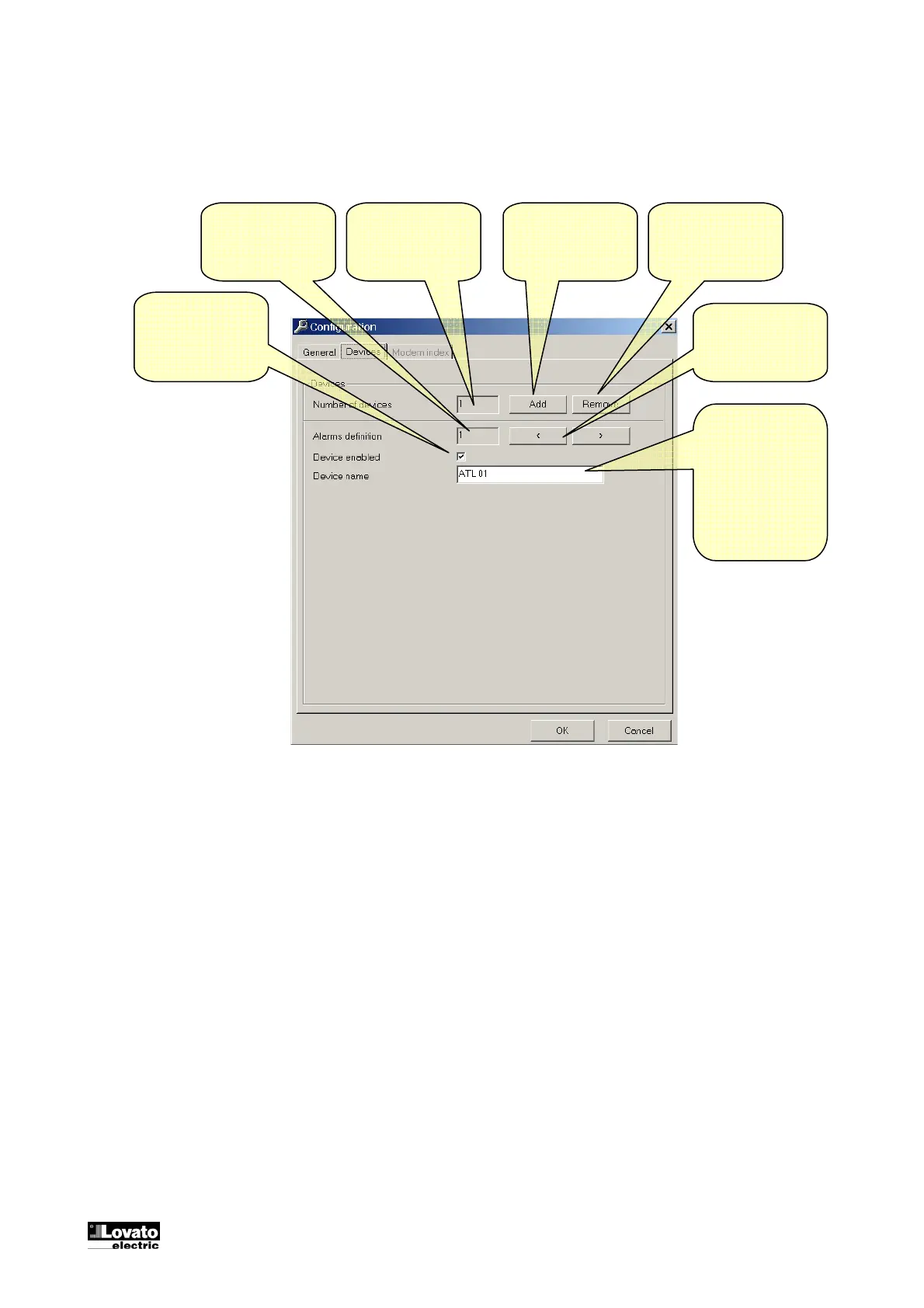
Configuration-Options-Controllers
When using a RS-485 multidrop network, it is necessary to specify how many controllers are connected to
the PC. Using this window it is possible the total number of ATL, and to give a name to each of them.
In case one controller is not to be accessed, it is possible to disable it using the dedicated checkbox.
Add a new ATL to
the network
configuration
Removes the last
ATL from the
network
configuration
Selects the
previous / next
ATL
Description of the
ATL. It is used to
identify the
controller in the
main page, data
log, events and
more.
Total number of
configured ATLs
Selected ATL
Enables / disables
the serial
communication
with the selected
ATL



 To Next Page