Doc: I377ROGB03_14.doc 04/03/2014 p. 15 / 19
Utilizarea modulului dongle CX02
Modulul dongle CX02 oferă capabilitate de punct de acces WiFi pentru
conexiune la PC, tabletă sau smartphone-uri. În plus, acesta oferă şi
posibilitatea de stocare şi de transferare a unui bloc de date de la/către
DCRL.
Introduceţi interfaţa CX02 în portul IR al DCRL pe placa frontală.
Activaţi CX02, apăsând butonul timp de 2 sec.
Aşteptaţi până când ledul LINK se aprinde intermitent în culoarea
portocalie.
Apăsaţi de 3 ori consecutiv şi rapid pe butonul modulului dongle.
În acest moment, afişajul DCRL prezintă primele 6 comenzi posibile
(D1…D6).
Apăsaţi ▲▼pentru a selecta comanda dorită.
Apăsaţi MAN-AUT pentru a executa comanda dorită. Unitatea va solicita
o confirmare (OK?). Apăsaţi din nou pe MAN-AUT pentru a confirma sau
pe MODE pentru a anula.
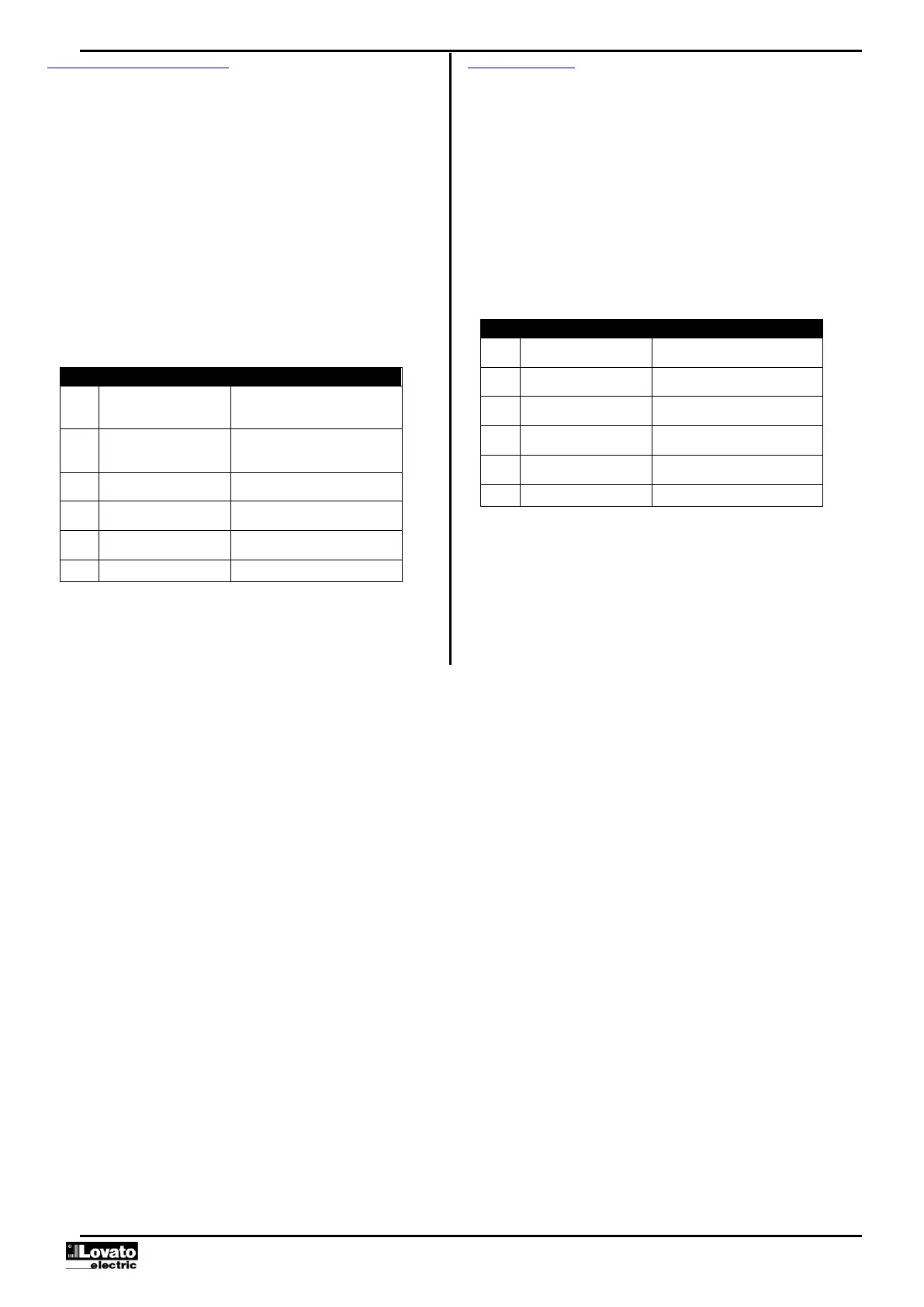
Următorul tabel prezintă comenzile posibile:
CONFIGURARE DISPOZITIV
CX02
Copie setările de configurare de la
DCRL la CX02.
CONFIGURARE CX02
DISPOZITIV
Copie setările de configurare de la
CX02 la DCRL.
Copie setările de configurare şi
datele de lucru de la DCRL la CX02.
Copie setările de configurare şi
datele de lucru de la CX02 la DCRL.
Arată informaţiile despre datele
stocate în CX02.
Pentru detalii suplimentare, consultaţi manualul de utilizare CX02.
CX02 Dongle usage
The CX02 dongle offers WiFi Access point capability for connection to PC, Tablet
or smartphones. In addition to this function it also offer the possibility to store and
transfer a block of data from/to the DCRL.
Insert the interface CX02 into the IR port of DCRL on the front plate.
Switch CX02 on by pressing the button for 2 sec.
Wait until the LINK LED becomes orange flashing.
Press 3 times consecutively and fast the dongle button.
At this point the display of the DCRL shows the first of the 6 possible commands
(D1…D6).
Press ▲▼to select the desired command.
Press MAN-AUT to execute the selected command. The unit will prompt for a
confirmation (OK?). Press once again MAN-AUT to confirm or MODE to cancel.
The following table lists the possible commands:
Copies Setup settings from DCRL to
CX02.
Copies Setup settings from CX02 to
DCRL.
Copies Setup settings and working
data from DCRL to CX02.
Copies Setup settings and working
data from CX02 to DCRL.
Shows information about data stored
into CX02.
For additional details see CX02 Operating manual.



 To Next Page