Doc. I317IGB12_19.doc 18/12/2019 P. 2 / 41
PROTOCOLLO MODBUS®
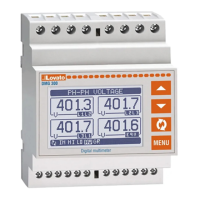
I multimetri digitali DMG110 e DMG210 supportano i
protocolli di comunicazione Modbus RTU® e Modbus
ASCII® sulla porta seriale RS-485.
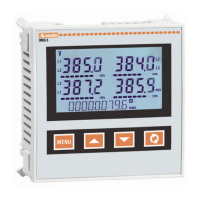
Il multimetro digitale DMG300 supporta i protocolli di
comunicazione Modbus RTU®, Modbus ASCII® e
Modbus TCP® sui moduli di espansione:
EXM 10 11 RS 232
EXM 10 12 RS485
EXM 10 20 RS 485 + 2 relè
EXM 10 10 USB
EXM 10 13 Ethernet
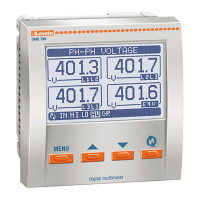
I multimetri digitali DMG6…,DMG700, DMG800 e
DMG900 supportano i protocolli di comunicazione
Modbus RTU®, Modbus ASCII® e Modbus TCP®
sui moduli di espansione:
EXP 10 10 USB
EXP 10 11 RS232
EXP 10 12 RS485
EXP 10 13 Ethernet
Grazie a questa funzione e’ possibile leggere lo stato
degli apparecchi e controllare gli stessi tramite i
software Lovato Electric (Xpress e Synergy),
software di supervisione standard forniti da terze parti
(SCADA) oppure tramite apparecchiature dotate di
interfaccia Modbus® quali PLC e terminali intelligenti.
IMPOSTAZIONE DEI PARAMETRI
Per configurare il protocollo Modbus®, accedere al
SETUP MENU e selezionare il menu M07.
Fare riferimento al manuale del dispositivo per la
corretta impostazione dei parametri.
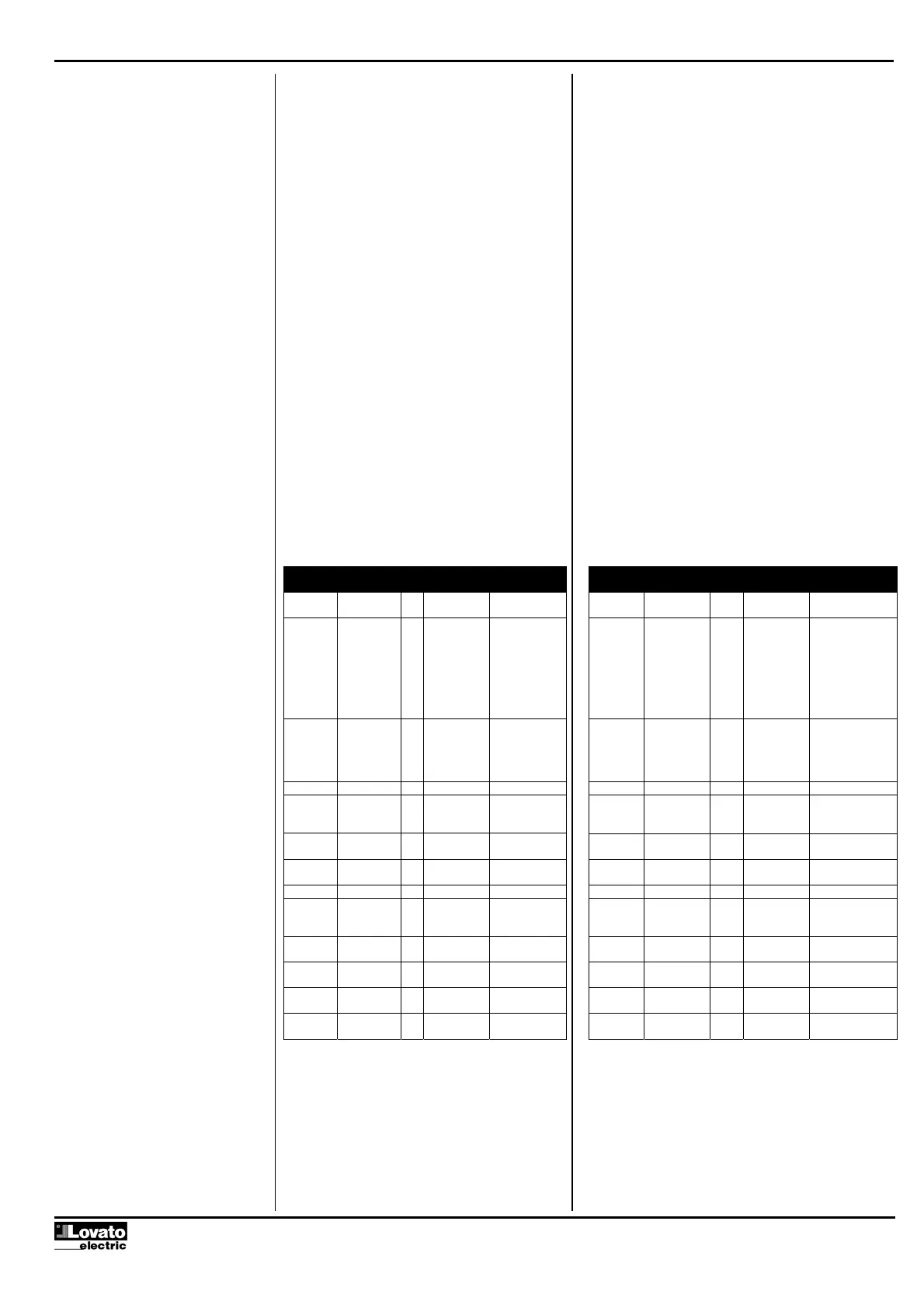
M07 – COMUNICAZIONE
(COMn, n=1…2)
Ud
M
Default Range
P07.n.01 Indirizzo
seriale nodo
01 01-255
P07.n.02 Velocità
seriale
bps 9600 1200
2400
4800
9600
19200
38400
57600
115200
P07.n.03 Formato dati 8 bit – n 8 bit, no parità
8 bit, dispari
8bit, pari
7 bit, dispari
7 bit, pari
P07.n.04 Bit di stop 1 1-2
P07.n.05 Protocollo Modbus RTU Modbus RTU
Modbus ASCII
Modbus TCP
P07.n.06 Indirizzo IP 0.0.0.0 000.000.000.000
255.255.255.255
P07.n.07 Subnet mask 0.0.0.0 000.000.000.000
255.255.255255
P07.n.08 TCP-IP port 1001 0-9999
P07.n.09 Funzione
canale
Slave Slave
Gateway
Mirror
P07.n.10 Client / server Server Client
Server
P07.n.11 Indirizzo IP
remoto
0.0.0.0 000.000.000.000
255.255.255.255
P07.n.12 Porta IP
remota
1001 0-9999
P07.n.13 Indirizzo
gateway IP
0.0.0.0 000.000.000.000
255.255.255.255
MODBUS® PROTOCOL
The digital multimeters DMG110 and DMG210
support the communication protocols Modbus
RTU® and Modbus ASCII® on the RS-485 serial
port.
The digital multimeter DMG300 supports the
communication protocols Modbus RTU®, Modbus
ASCII® and Modbus TCP® on the expansion
modules:
EXM 10 11 RS 232
EXM 10 12 RS485
EXM 10 20 RS 485 + 2 relè
EXM 10 10 USB
EXM 10 13 Ethernet
The digital multimeter DMG6…, DMG700, DMG800
and DMG900 support the communication protocols
Modbus RTU®, Modbus ASCII® and Modbus TCP®
on the expansion modules:
EXP 10 10 USB
EXP 10 11 RS232
EXP 10 12 RS485
EXP 10 13 Ethernet
Using this function it is possible to read the device
status and to control the units through Lovato
Electric softwares (Xpress and Synergy), third-party
supervision softwares (SCADA) or through other
intelligent devices supporting Modbus®, like PLCs.
PARAMETER SETTING
To configure the Modbus® protocol, enter SETUP
MENU and choose the M07 menu. Refer to device
operating manual for the parameter setup.
M07– COMMUNICATION
(COMn, n=1…2)
UoM Default Range
P07.n.01 Node serial
address
01 01-255
P07.n.02 Serial speed
bps 9600 1200
2400
4800
9600
19200
38400
57600
115200
P07.n.03 Data format 8 bit – n 8 bit, no parity
8 bit, odd
8bit, even
7 bit, odd
7 bit, even
P07.n.04 Stop bits 1 1-2
P07.n.05 Protocol Modbus RTU Modbus RTU
Modbus ASCII
Modbus TCP
P07.n.06 IP address 0.0.0.0 000.000.000.000
255.255.255.255
P07.n.07 Subnet mask 0.0.0.0 000.000.000.000
255.255.255.255
P07.n.08 TCP-IP port 1001 0-9999
P07.n.09 Channel
function
Slave Slave
Gateway
Mirror
P07.n.10 Client / server Server Client
Server
P07.n.11 Remote IP
address
0.0.0.0 000.000.000.000
255.255.255.255
P07.n.12 Remote IP
port
1001 0-9999
P07.n.13 IP gateway
address
0.0.0.0 000.000.000.000
255.255.255.255



 To Next Page