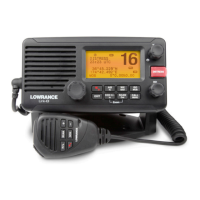
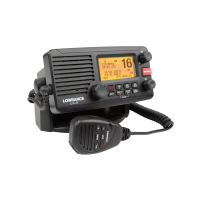
Need help?
Do you have a question about the Lowrance Link-2 and is the answer not in the manual?
Detailed explanation of each key, dial, and their operational functions.
Using the radio for navigation.
Managing a list of frequently contacted DSC stations.
Adding new entries to the buddy list with names and MMSI.
Modifying existing buddy list entries.
Removing entries from the buddy list.
Settings for GPS position, time, and data display.
General radio configuration settings and options.
Configuration options for Digital Selective Calling functions.
Setting up the mandatory Maritime Mobile Service Identity.
Programming group MMSI numbers for group calls.
Adding new group entries to the DSC system.
Modifying existing group information.
Removing groups from the DSC system.
Procedure for initiating a one-on-one DSC call to another vessel.
Making an individual DSC call to a station in the buddy list.
Making an individual DSC call to a station not in the buddy list.
Requesting the location (latitude/longitude) of a buddy.
Tracking the location of selected buddies over time.
Managing the list of buddies for tracking purposes.
Choosing specific buddies to track.
Initiating the buddy tracking function.
Performing a test of the DSC system's functionality.
Step-by-step procedure for sending a DSC test call.
Handling incoming replies to DSC test calls.
Responding to and acknowledging received DSC test calls.
Overview of different types of incoming DSC calls.
Handling an 'All Ships' broadcast message from other vessels.
Handling incoming individual DSC calls.
Handling incoming group DSC calls.
Handling incoming location requests from buddies.
Step-by-step guide to initiating a maritime distress call.
How to handle an incoming distress alert from another vessel.
Handling distress acknowledgments and relaying distress calls.
Handling incoming individual distress relay calls.
Technical details and standards for the DSC system.
 General
| Brand | Lowrance |
|---|---|
| Model | Link-2 |
| Category | Marine Radio |
| Language | English |

 To Next Page