Lowrance - Link-2 Installation and Operation Instructions20
• PTT Return to normal mode and TX
• 16/9 Return to normal mode and go to 16/9
• NAV Go to normal mode
• Other key Error beep.
To avoid screen clutter, a maximum of 5 waypoint icons closest to you plus the active
waypoint are shown.
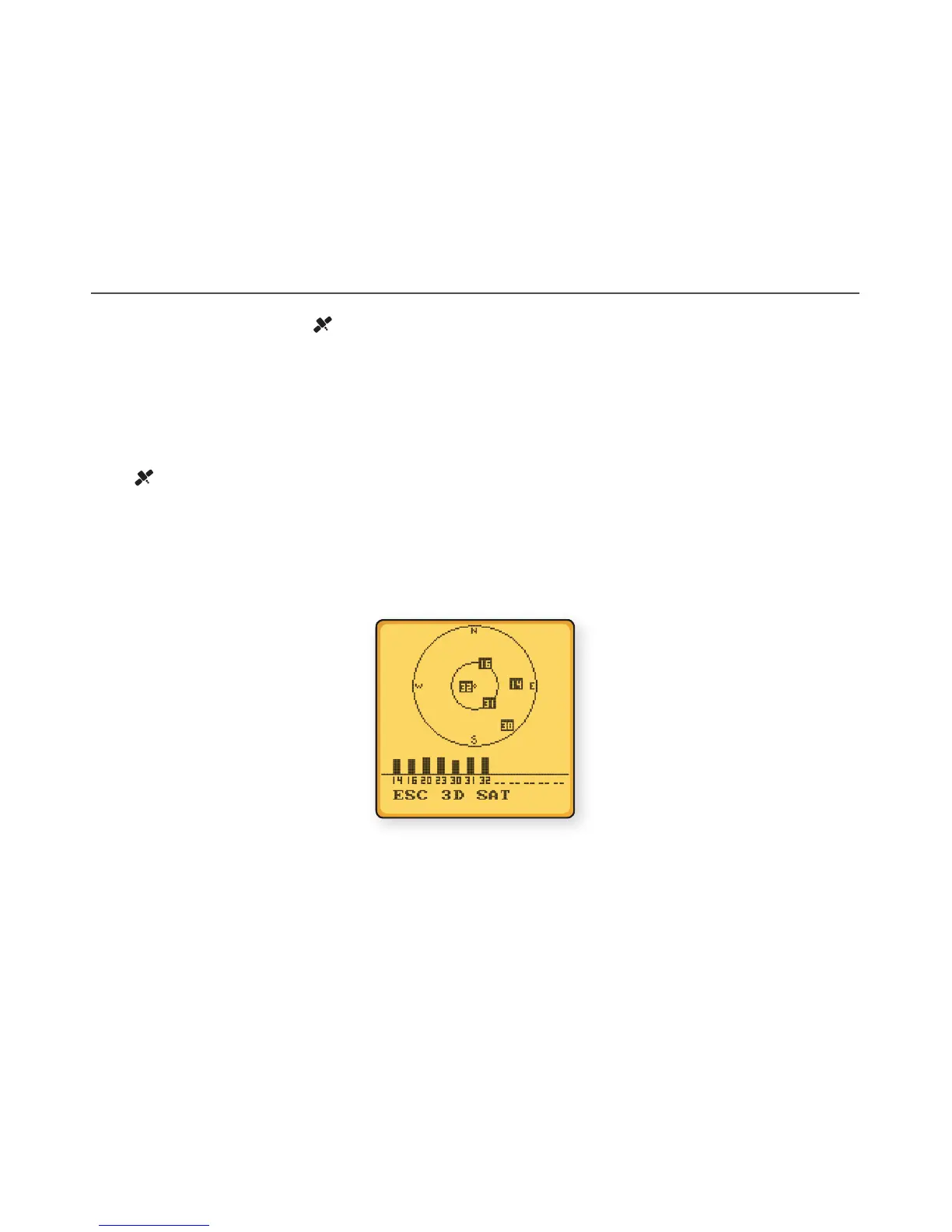
3-12 GPS satellite mode
Press and hold the HI/LO/ key to enter GPS satellite mode.
During GPS satellite mode:
• PTT Return to normal mode and TX
• 16/9 (16) Return to normal model and go to 16/9
• Return to normal mode
• Left softkey Return to normal mode
• Other key Error Beep.


 To Next Page