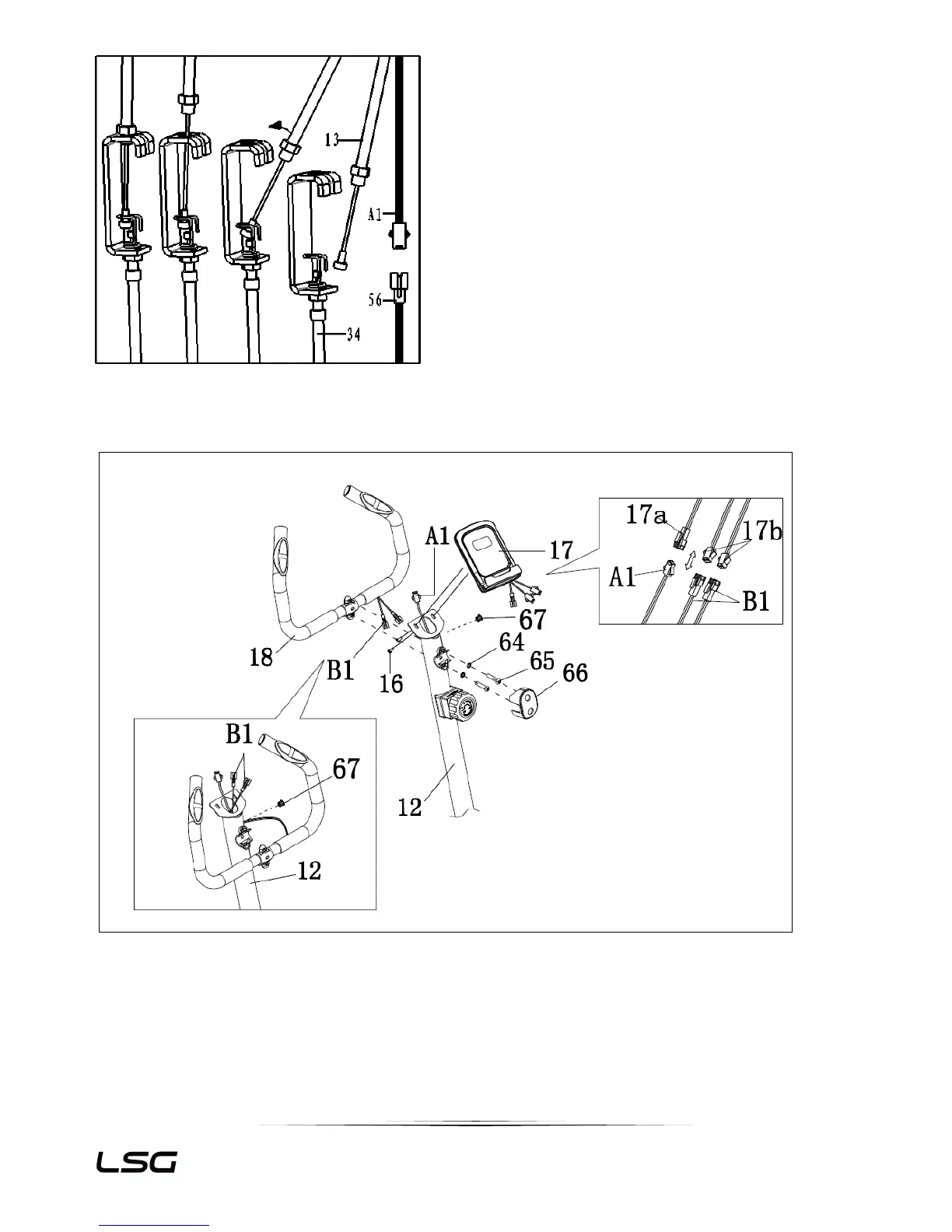
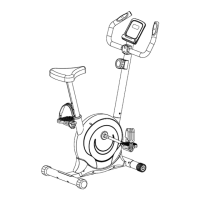
1. Secure handlebar (18) to handlebar post (12) with bolts (65) and spring washers (64), then
attach the plastic cover clamp (66).
2. Take out wire plug (67), thread the HP wire to upright (12), then, block the wire plug (67).
3. Connect monitor wire (17b) with handle pulse wire(B1) and connect the sensor wire (A1) with
monitor wire (17a). Secure the monitor (17) to upright (12) with screw (16).


 To Next Page