12
6. OPERATION GUIDE
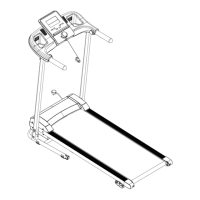
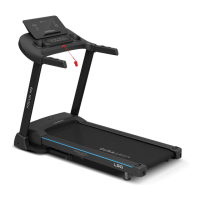
1. OVERVIEW
2. LCD WINDOW DISPLAY
1. LCD WINDOW DISPLAY DETAILS:
INCILNE and CALORIES: Show Incline and calories. When the corresponding icon is lit, the
corresponding element is displayed.
TIME: Show running time.
SPEED: Show speed.
PULSE and DISTANCE: Show pulse data and running distance. When the corresponding icon is lit,
the reading with be displayed.
The middle window is lattice window, show some tips.
2. BUTTON FUNCTION
“PROG” button: Press this button to choose program from manual mode—P1----P99--FAT.
“MODE” button: When machine in standby state, press this button to choose the mode: manual mode, time
count down mode, distance count down mode, calories count down mode.
When machine in FAT mode, the sequence is “Sex”, “Age”, “Height”, “Weight”.


 To Next Page