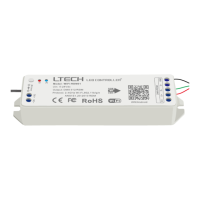
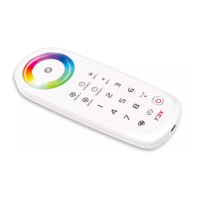
iOS / Android
01
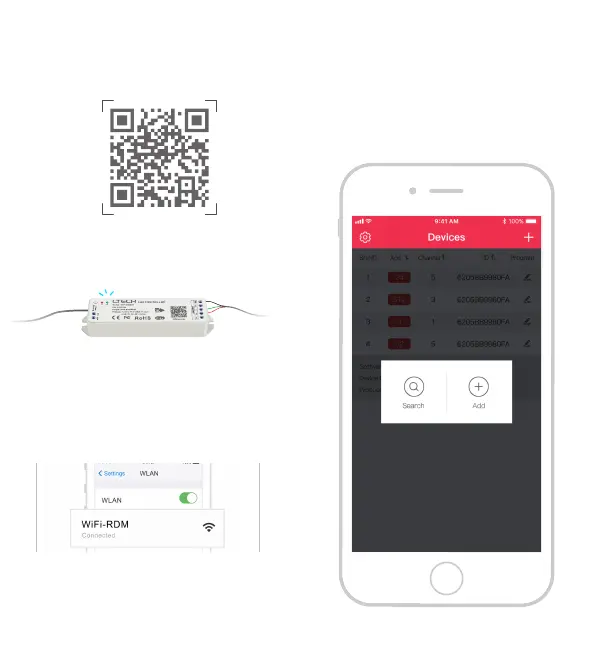
Connect the device as follow, then power on it, make
sure the communication light is off.
After confirming that the WiFi-RDM01 has already
matched with the RDM device, follow the instructions
to connect the WiFi through the phone.
.
The factory
default WiFi name is WiFi-RDM01, password: led88888
Attn: if the phone failed to search “WiFi-RDM01" SSID,
please reboot the power supply, and reconnect WiFi
when the communication light is off.
After setting, click " + " in the upper right corner,
“Search” and “Add” button will pop-up.
1. Connect & match
2. Connected WiFi
3. Search & add device
Scan QR code to download the APP via mobile phone.

 To Next Page
 Loading...