FISH ICON
OFF
SHALLOW ALARM
OFF
OFF
100
There is also a series of manual ranges which can be
selected. The manual depth ranges are determined by
the present depth conditions.
6.5 Shallow Alarm ---
Press the POWER-MENU key until Shallow Alarm appears.
Select OFF for no Depth Alarm, or select 1 to 100 meters
to set the alarm depth. An audible alarm sounds when the
depth is equal to or less than the setting. (Off, 1-100)
6.6 Fish Icon ---
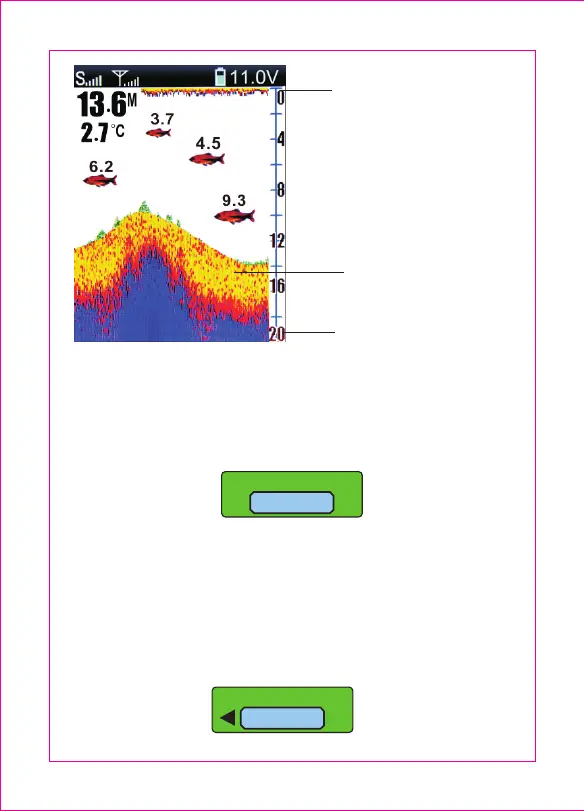
Upper Zoom Range
Structure
Lower Zoom Range
-8-


 To Next Page