FISH ICON
ON
SHALLOW ALARM
OFF
OFF
100
6.5 Shallow Alarm ---
Press the POWER-MENU key until Shallow Alarm appears.
Select OFF for no depth alarm, or select 1 to 100 meters
to set the alarm depth. An audible alarm sounds when the
depth is equal to or less than the setting. (Off, 1-100)
6.6 Fish Icon ---
-8-
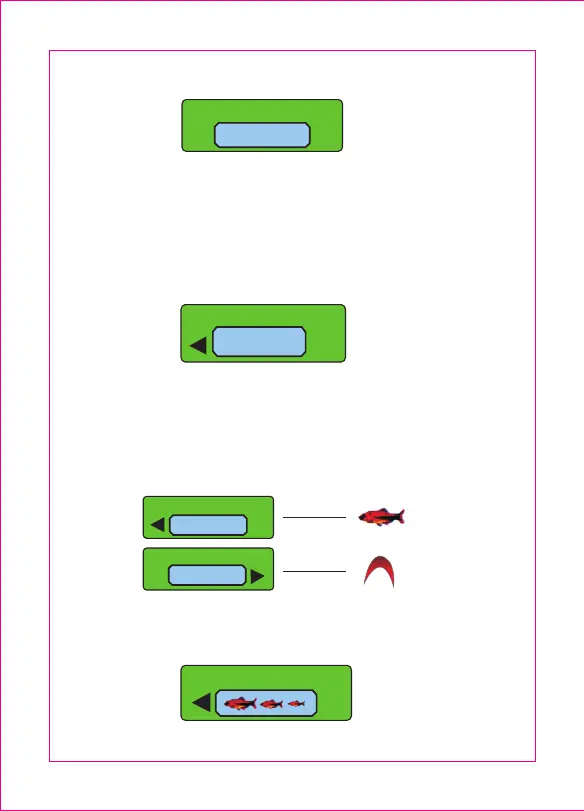
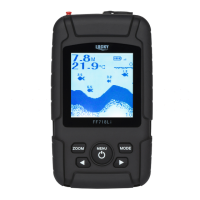
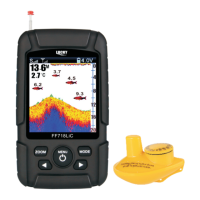
Make sure to press the POWER-MENU key until FISH ICON
appears. Select either Off to view arches as the original sonar
reflected signals or On to view the fish icons. Fish icons use
advanced signal processing to interpret sonar reflected
signals. The fish icon displayed on the screen also tells you
what depth the fish is.
FISH ICON
ON
6.7 Fish Alarm---
FISH ALARM
FISH ICON
OFF


 To Next Page