EasyManua.ls Logo

Lumens DC-W50 - Installation and Connection Guide; Application Software Installation

Lumens DC-W50
29 pages
Print Icon
To Next Page IconTo Next Page
To Previous Page IconTo Previous Page
Loading...
English - 10
Chapter 5 Installation and Connections
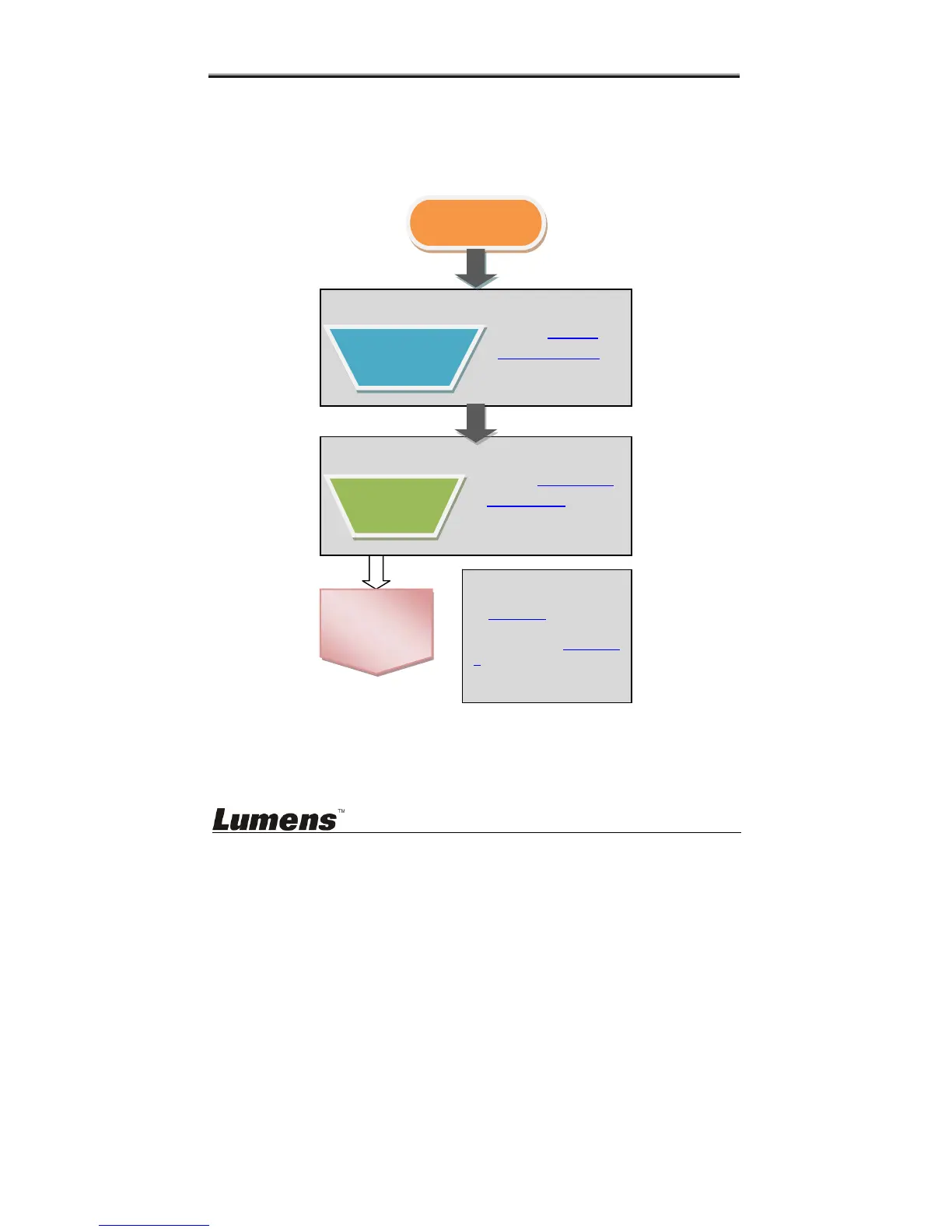
5.1 Installation flow chart
This product shall be used together with our company’s special
software Ladibug and USB Document Camera, please install and
use in accordance with the instruction as shown in the picture below.
Start
OK
Start Using
To start using and
connection, please refer
to Chapter 6.
Please refer to Chapters
7 for details of DC-W50
administrative
management programs.
Install software
Refer to Ladibug
Software Manual for
software installation
Install
Ladibug™
Install hardware
Refer to Sections 5.3
Install DC125 for
hardware installation
Install USB
Document
Camera