info@lunos.de
Nutzerinformation / User information
www.lunos.de
E380 04.24
Allgemeine Hinweise e²-Serie /
General information e² series
5
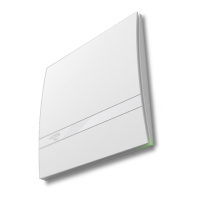
Operation and function of the Smart Comfort
Moon — The "Moon" symbol activates or deactivates the night setback. The ventilation units are set to the "OFF"
level at the factory and the LEDs do not light up. Only after the set time has elapsed (8 hours by default) do the
ventilation units automatically switch back to the previous mode. The LEDs light up again at full brightness. If
landlord protection is activated, the fan runs continuously at the lowest level.
Sun — The "Sun" symbol activates or deactivates summer mode. This function is specially designed for the coo-
ler night hours in midsummer. In contrast to operation with heat recovery, where the fans change direction ap-
prox. every 70 seconds, the reversing time is now increased to approx. 1 hour, bypassing heat recovery. This
allows the cool outside air to enter the heated rooms and cool them passively. If the mode is active, the LED next
to the symbol lights up. After 8 hours, this function is automatically deactivated and the normal reversing time is
restored.
ON/OFF — The brightness of the LEDs can be adjusted by simply pressing a button. It switches between "OFF",
dark and bright. If the button is confirmed for 3 seconds, the fans switch off completely. To switch them on again,
simply press the button briefly. If landlord protection is activated, the fans cannot be switched off.
Filter change
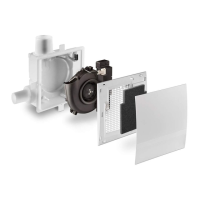
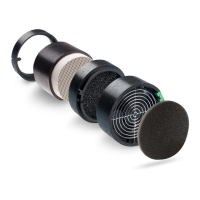
A dirty filter is signaled by the "Event" LED on the control element lighting up continuously. To do this, remove
the cover of the inner panel and remove the filter. This can be cleaned in the dishwasher or with water and deter-
gent. The dry filter is then put back into the filter frame holder. The cover of the inner panel must then be snap-
ped into the "open" position.
Our regenerable filters can easily be cleaned 4-5 times before they need to be replaced. The pollen filters can
only be cleaned with a vacuum cleaner. If the degree of soiling is too high or the filter is damaged, a new filter
must be used.
The filter change indicator is reset by pressing the event button for 3 seconds. This also resets the runtime.
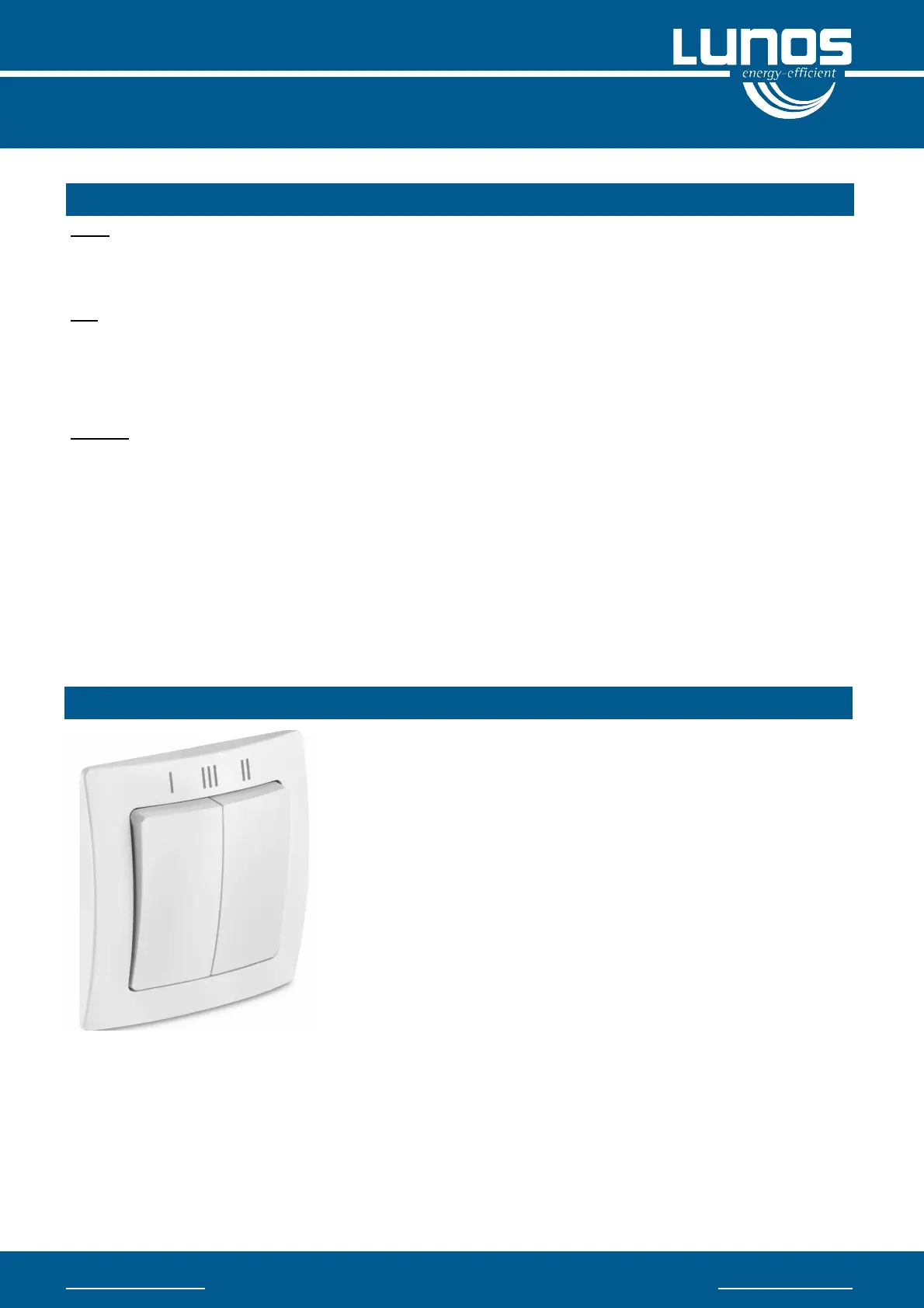
A total of 4 ventilation levels can be selected by pressing the rocker swit-
ches. If, as shown in the illustration, both rocker switches are set to the
bottom, level 0 is active. This means that the fans run permanently at a
very low level or are switched off (depending on the control setting). The
so-called humidity control is an exception.
If only the left rocker switch is actuated and the right one remains in the
above position, the fan runs at speed I. If the right rocker switch is swit-
ched up and the left one remains down, level II is active.
If both rockers are switched upwards, the third stage is activated. The
fans deliver the maximum volume flow in this stage.
Volume flow
Depending on the device type, the fans in the e² series can operate in
heat recovery mode at different volume flows. The fans change direction
approximately every 70 seconds. The fan mode of operation should be
based on an individual ventilation concept created by a specialist com-
pany.
We recommend running the ventilation units permanently at a low level and switching to the higher levels as re-
quired. To remove peak loads, supportive ventilation should be provided via the windows.
Operation and function of the series switch


 To Next Page
 Loading...