info@lunos.de
Nutzerinformation / User information
www.lunos.de
E380 04.24
Allgemeine Hinweise e²-Serie /
General information e² series
4
This information is primarily intended for users of the e² series. We
assume that the ventilation units and any additional ventilation
components have been installed and commissioned by qualified
personnel. We also assume that it is known which ventilation units
or additional components have been installed and where they are
connected.
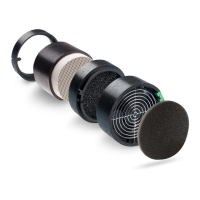
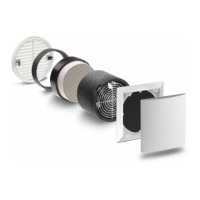
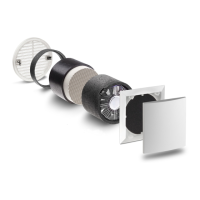
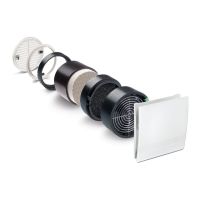
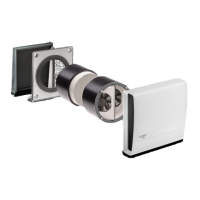
The products in the e² series are ventilation units with heat
recovery, which are installed in living rooms and possibly also in
the kitchen and/or utility room. They ensure a constant air exchan-
ge in order to replace stale and moisture-laden air with fresh air.
Maintenance
The ventilation units should be removed from the wall regularly, at
the latest before and after the heating period, and all surfaces wiped with a damp cloth. A vacuum cleaner can be
used to clean the heat exchanger and the fan. Further information can be found in the user information
"Maintenance and cleaning instructions for our ventilation units".
Shutting down the ventilation units
If the ventilation units are to be switched off for a longer period of time, the inner panels must be closed and all
filters removed. If the ventilation units are not used for more than 6 months, they must be serviced by qualified
personnel when they are put back into operation.
The following explanations refer to ventilation units that are controlled with the "Smart Comfort" control unit or the
"Universal control unit" in conjunction with the series switch.
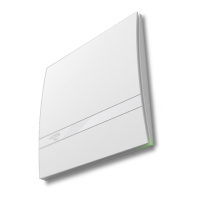
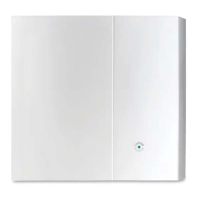
Smart Comfort offers the option of switching all functions of the
ventilation units and detecting their current operating status. It con-
tains a humidity sensor that regulates the ventilation units in auto-
matic mode as required. The ventilation options are selected using
pictograms.
Changed settings are applied after 5 seconds without operation.
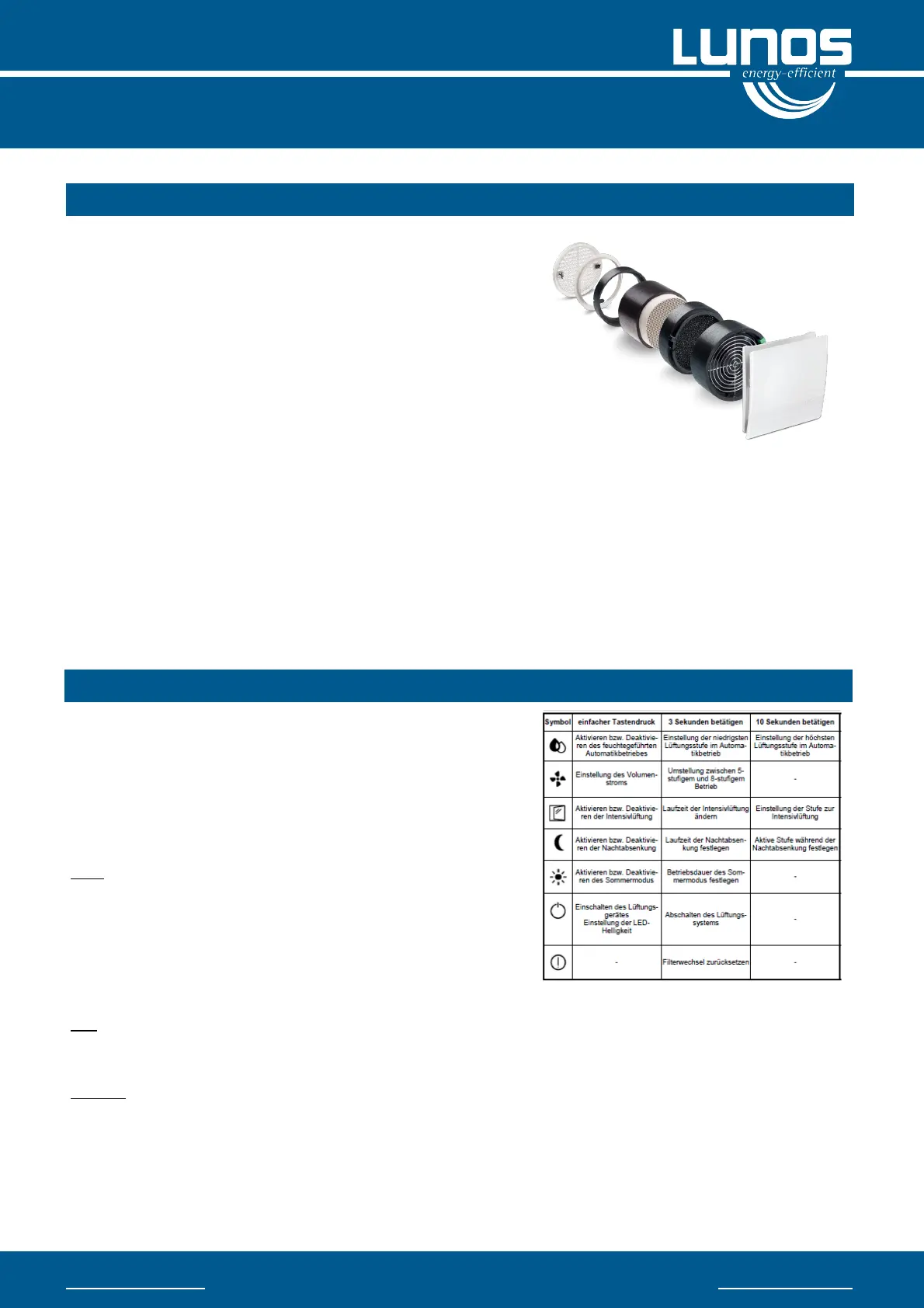
Explanation of symbols
Drop — The "drop" symbol activates or deactivates humidity-
controlled automatic mode. In automatic mode, LEDs 1 to 4 light
up with low brightness.
The active level is displayed at full brightness. In the standard case,
the first level is activated at a relative humidity of 50%. From a
humidity value of 70%, the highest ventilation level is automatically
activated.
Fan — The ventilation levels can be set using the "Fan" symbol. The manual setting of a ventilation level is rol-
ling, i.e. the level is increased by one each time the button is pressed. The highest level is followed by the lowest
level or "OFF". When automatic mode is activated, manual changes to the ventilation level are valid for 1 hour.
Window — The "Window" symbol is used to activate or deactivate intensive ventilation mode. If this is active, the
LED next to the symbol lights up permanently. The fans go to the highest available ventilation level. The mode
ends automatically after the set time. The ventilation system then switches back to the previous operating mode
(manual or automatic mode).
General
Operation and function of the Smart Comfort


 To Next Page
 Loading...